Furniture Store POS

Furniture Store POS Software for Organised Sales and Inventory

Manage showroom inventory, stock and daily sales with a POS workflow shaped around your business.

Furniture Store POS system by Hulm
Live Inventory & Barcode Ready

Connected Furniture Store Workflow

Billing, stock & customer records in one view

0.8s Fast Billing
Operational friction

Everyday Furniture Store Problems—and How HulmPOS Helps

Problem 1Furniture Store Bottleneck
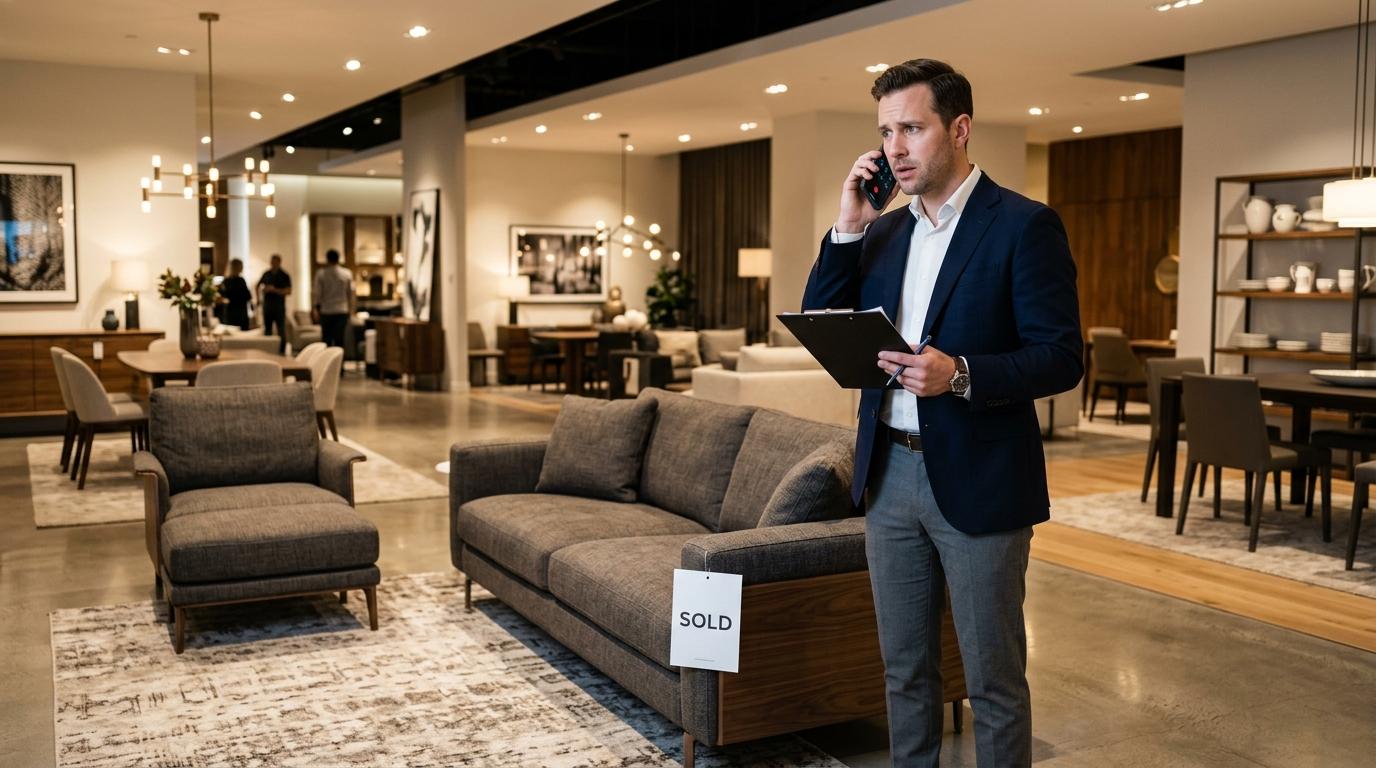
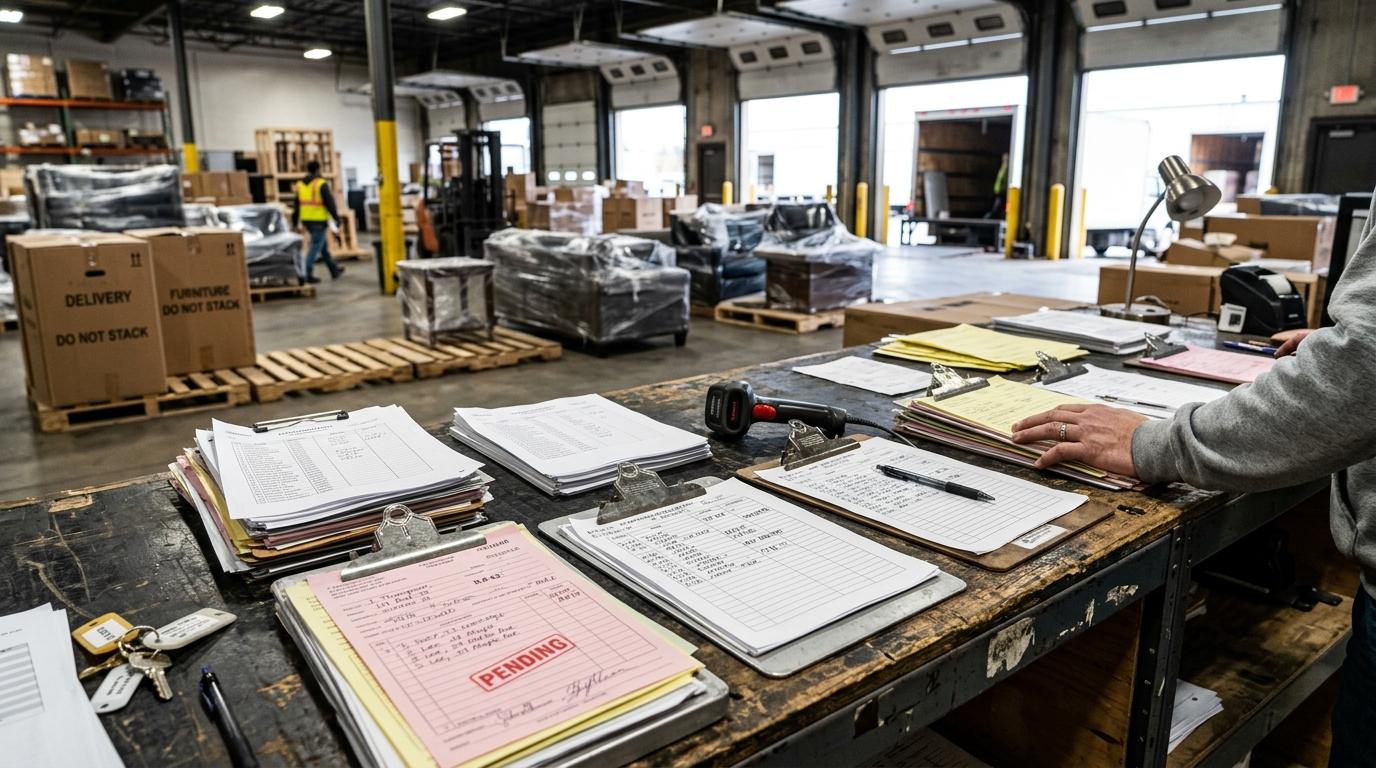
Showroom and Warehouse Stock Mismatches

Showroom and warehouse stock do not match

A display item may be sold while another unit is stored elsewhere.

The HulmPOS Solution

Unified Multi-Location Stock Visibility

Use product and stock records to maintain synchronized real-time visibility between floor display items, warehouse stock and goods in transit.

Problem 2Furniture Store Bottleneck
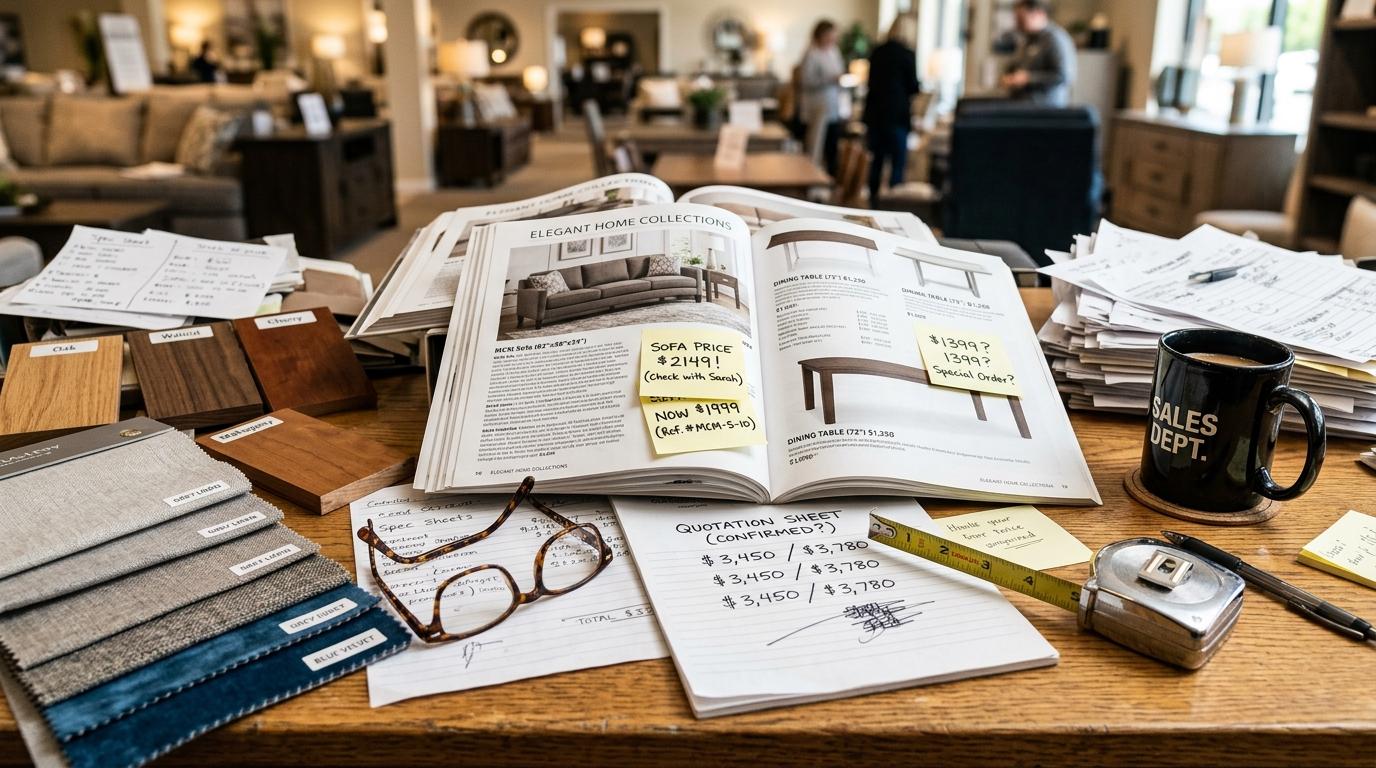
Handwritten Quotations & Deposit Tracking

Large purchases need more than checkout

Customers may need a quotation, deposit, delivery date or custom details.

The HulmPOS Solution

Quotations, Deposits & Custom Orders

Manage custom furniture specifications, generate formal customer quotations, record advance down-payments and track remaining balances.

Problem 3Furniture Store Bottleneck
Confusing Model Specs & Fabric Options

Product details and prices are inconsistent

Furniture varies by model, material, size and finish.

The HulmPOS Solution

Structured Product Catalogue & Custom Fields

Maintain structured product records and categories detailing wood type, fabric finish, dimensions and custom bundle pricing.

Problem 4Furniture Store Bottleneck
Disorganized Furniture Delivery Dispatch Manifests

Managers cannot review sales clearly

Paper invoices and spreadsheets make sales and open orders harder to track.

The HulmPOS Solution

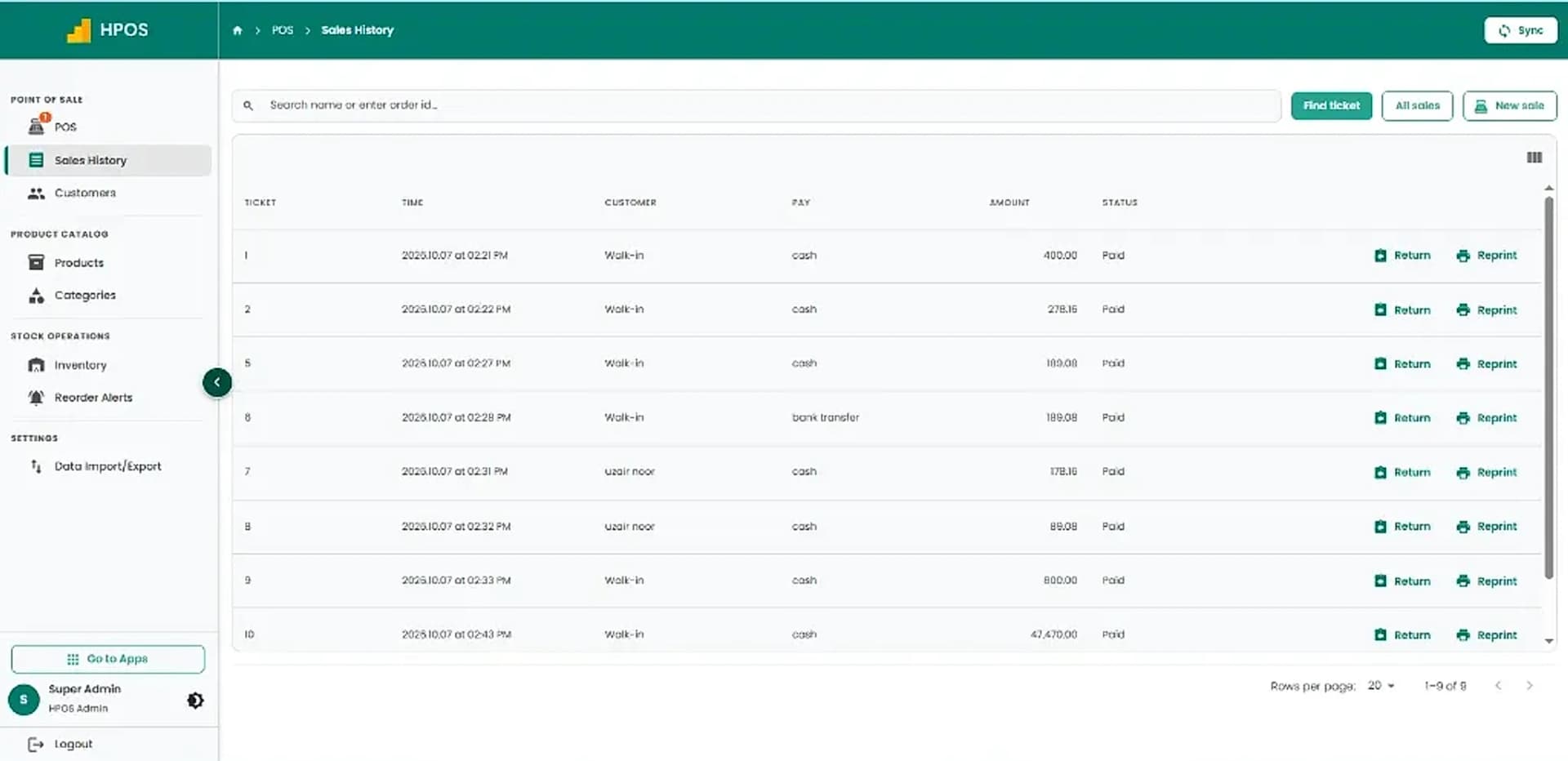
Centralized Sales History & Order Audits

Use unified sales history and reporting to track pending deliveries, review customer balances and audit daily showroom revenue.

What the POS system for furniture store looks like in Hulm

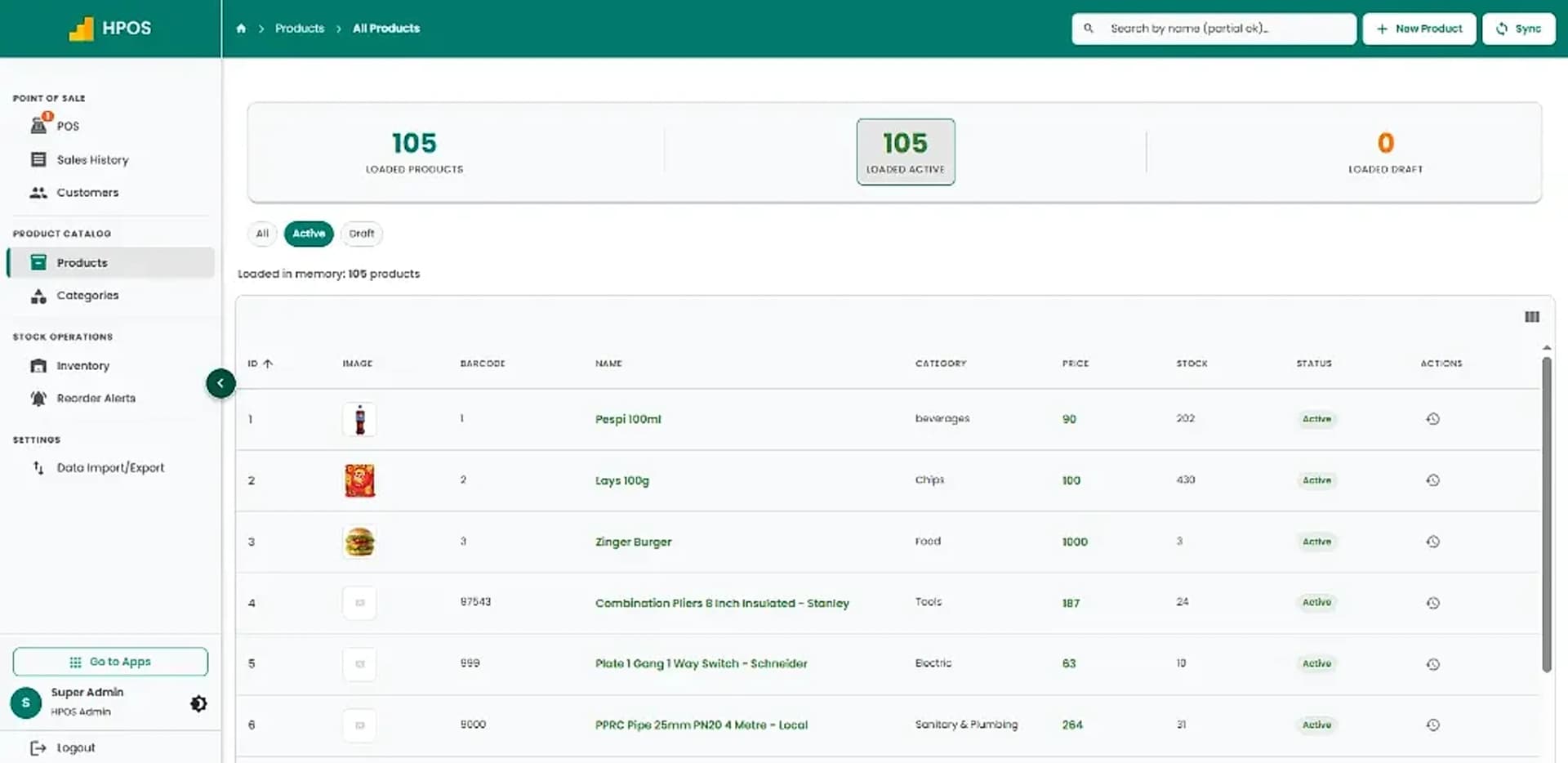
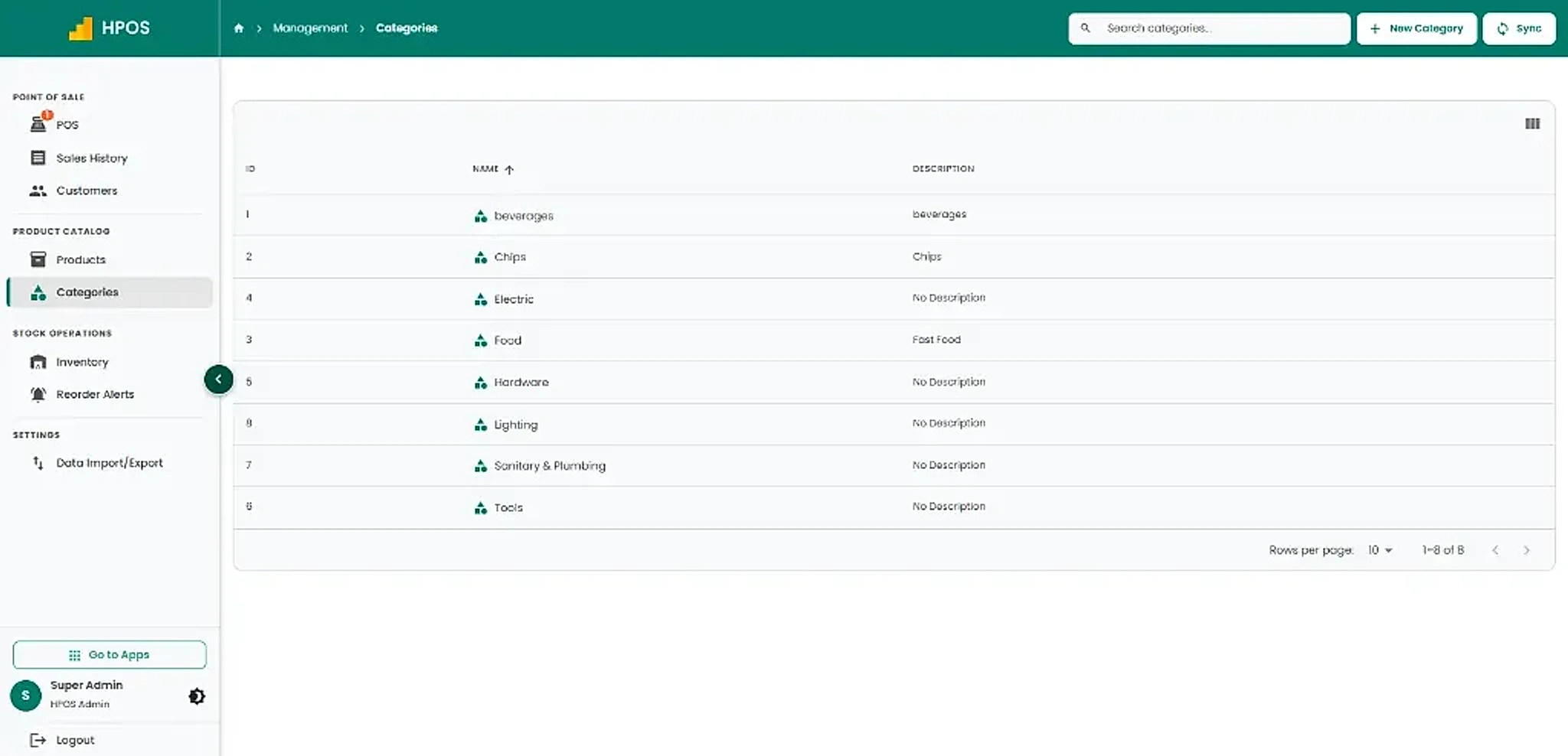
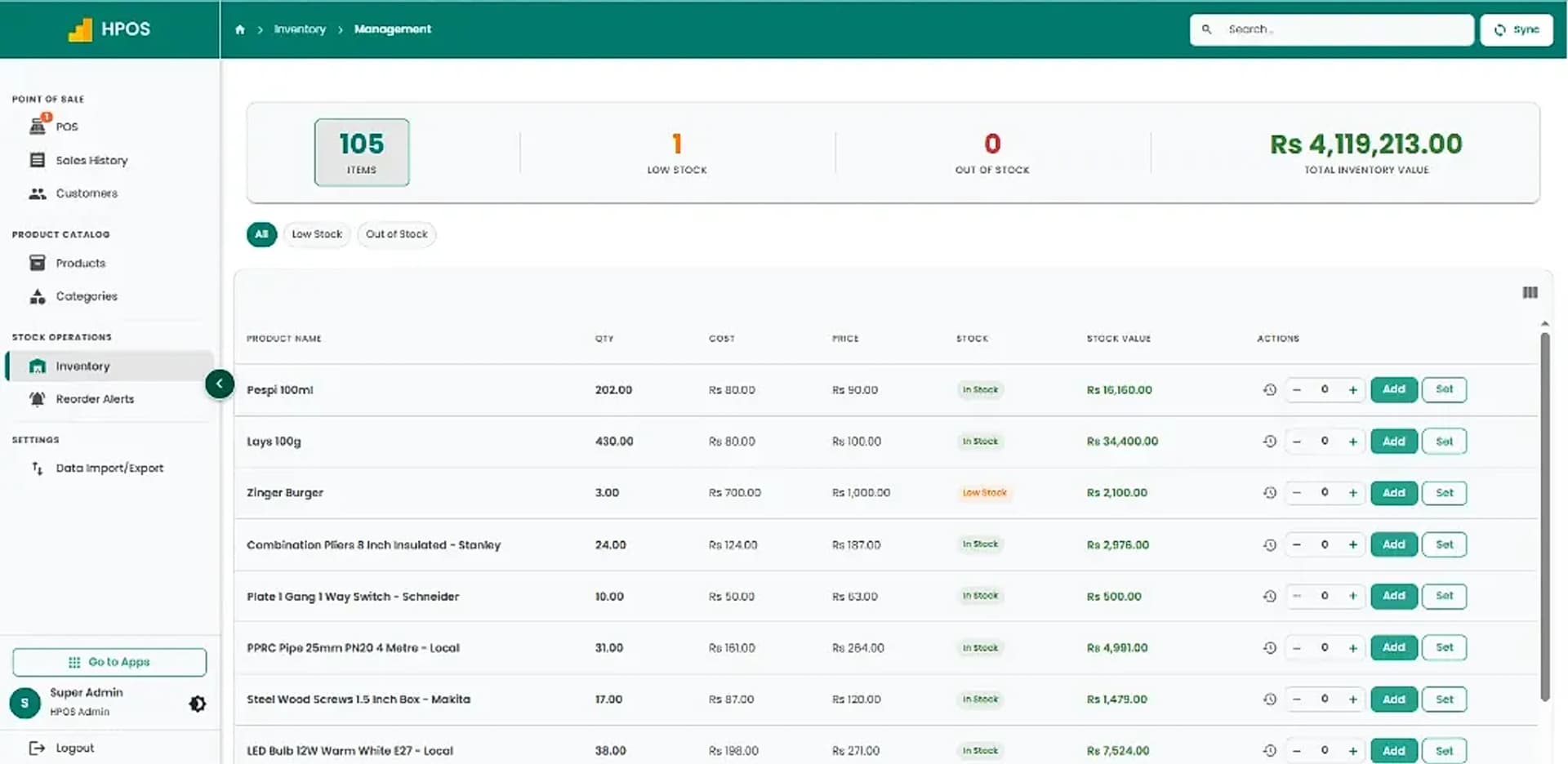
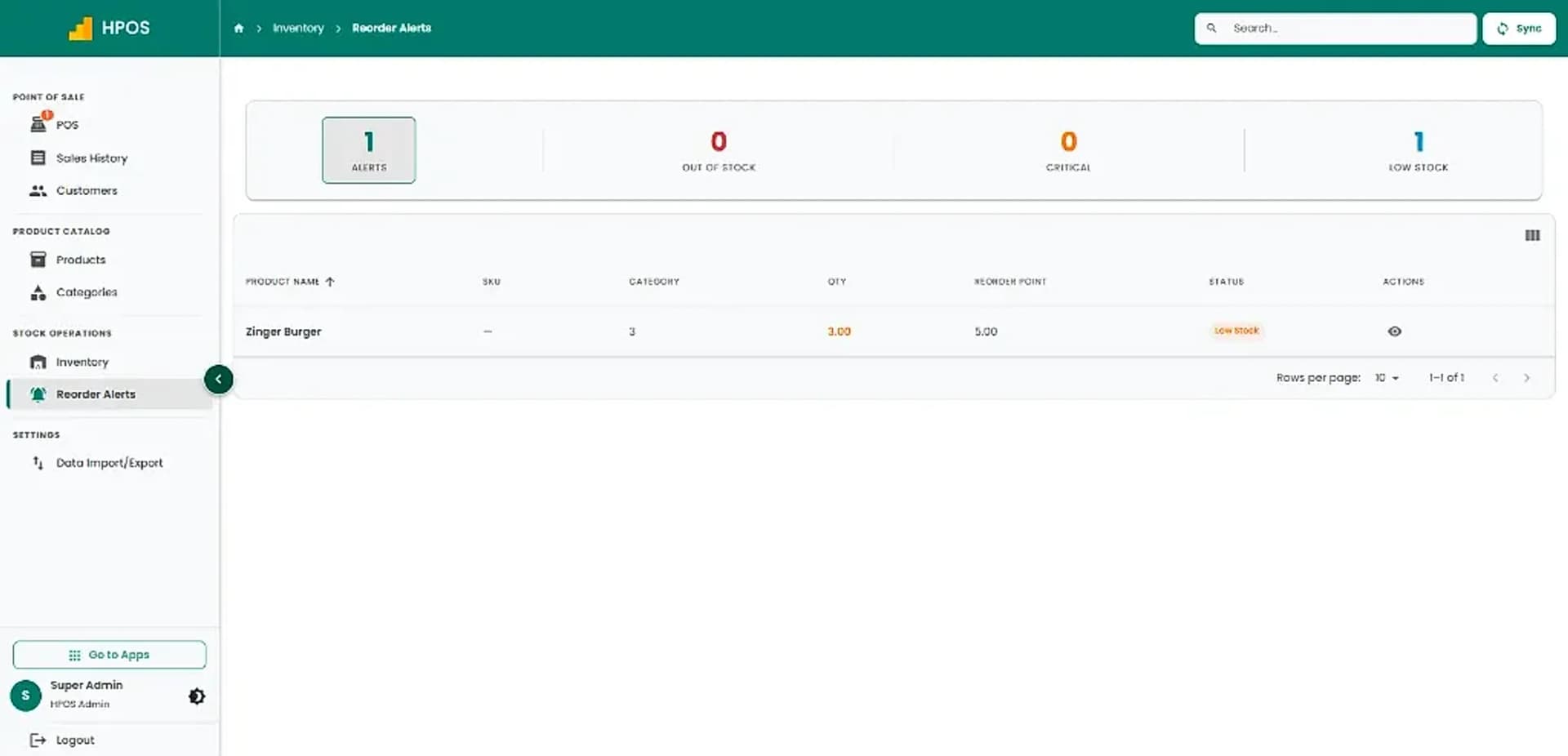
Real screens from Hulm POS. Your setup is configured around your products, branches and team.

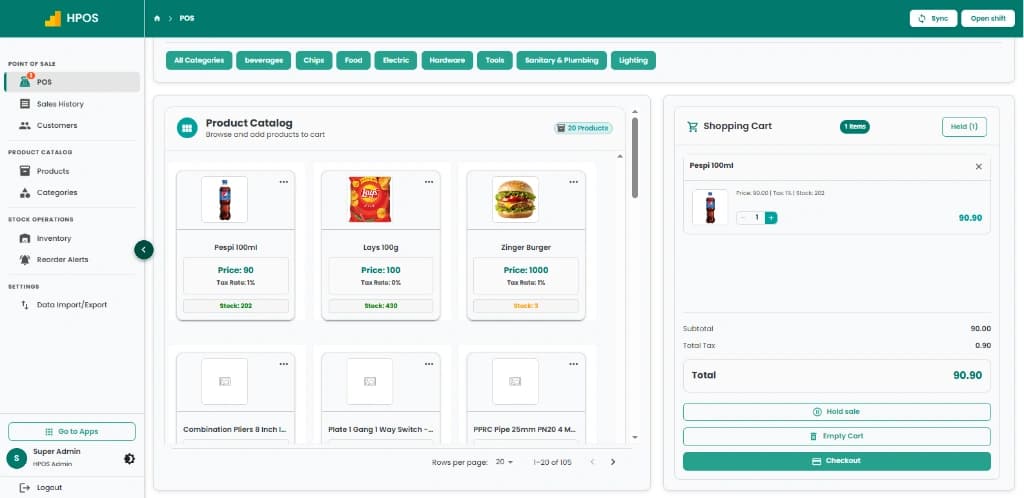
Hulm POS cashier register terminal with itemized checkout and order hold
Hulm POS sales history dashboard with receipt details, returns, and payment records
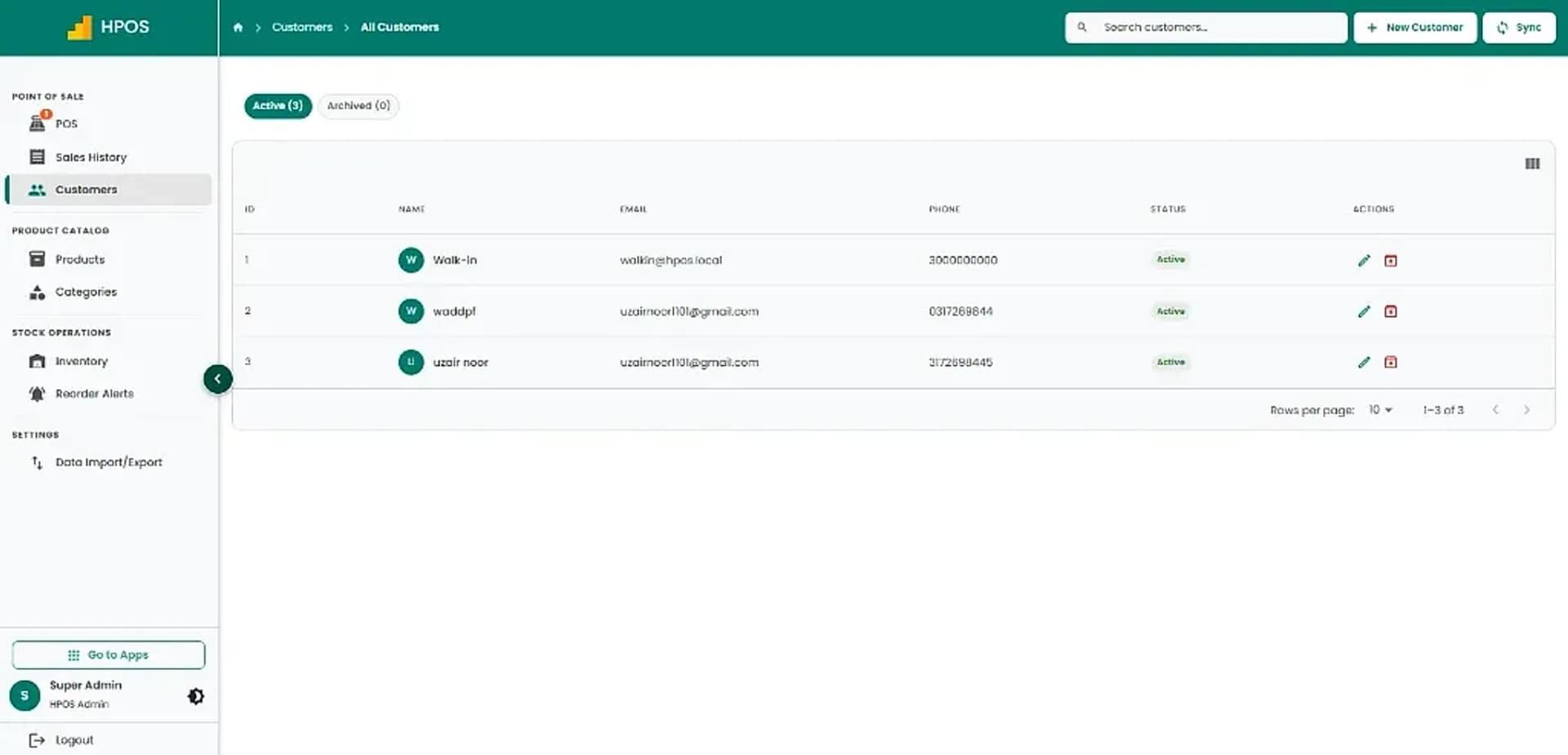
Hulm POS customer directory with contact details, loyalty profiles, and purchase logs
Hulm POS product catalogue management screen with barcode SKUs, costs, and retail prices
Hulm POS product category hierarchy screen for retail department organization
Hulm POS inventory tracking screen with multi-branch stock levels and cost valuations
Hulm POS low-stock warning dashboard showing critical reorder thresholds
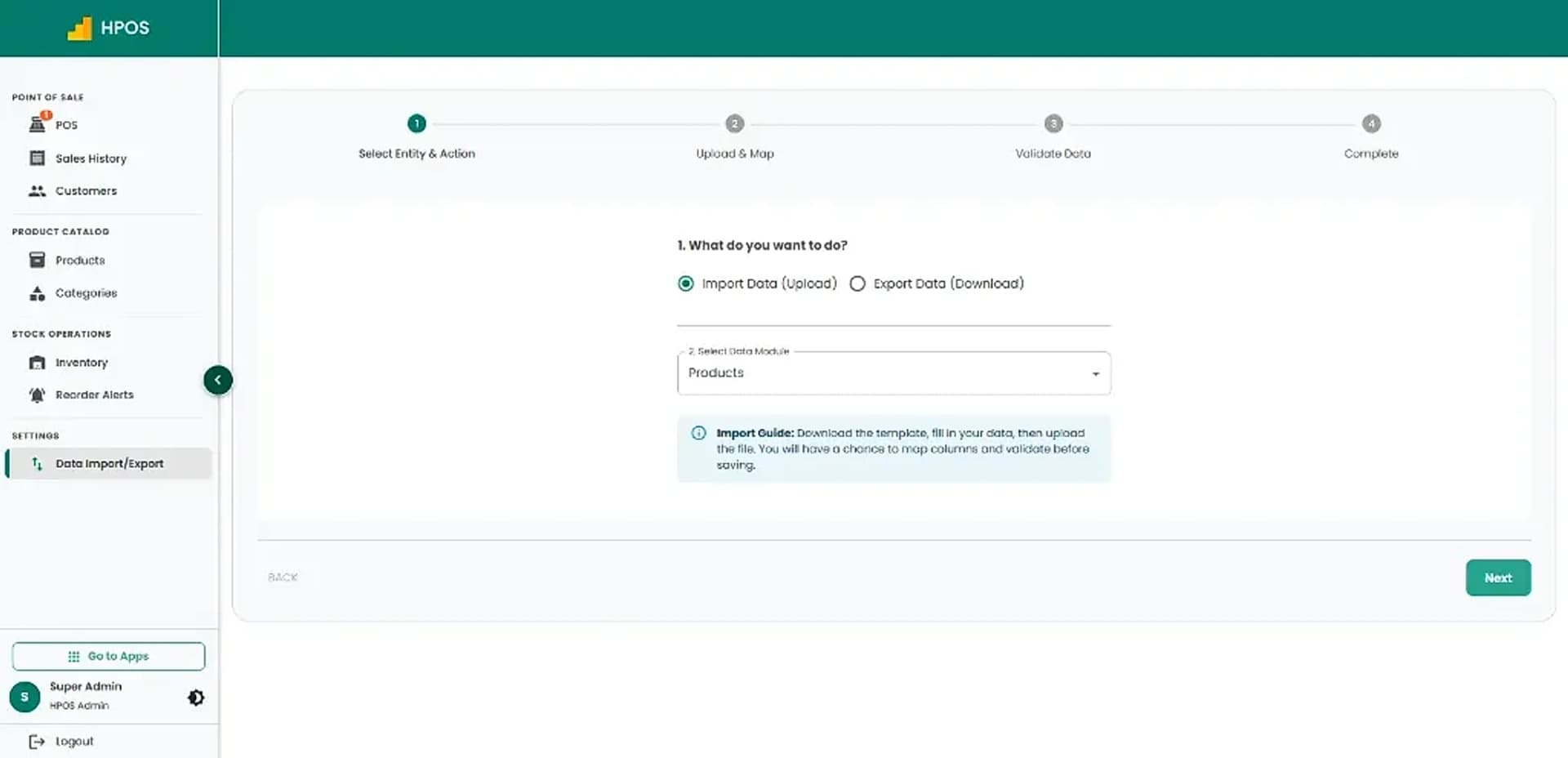
Hulm POS bulk data import and export module with spreadsheet template validation
Screen 01

Point of Sale & cashier checkout

Fast product catalogue search, category navigation, multi-item shopping cart, on-hold sales and instant receipt checkout.

01 / 08
Core Capabilities

Furniture Store POS Features for Daily Operations

From fast counter checkout to stock tracking and shift audits, explore practical tools designed for Pakistani retail shops.

#01

Furniture product catalogue

Organise models, categories, dimensions, wood finishes and bundle prices.

#02

Showroom billing

Record sales, issue customer invoices and receipts through the POS workflow.

#03

Inventory visibility

Review product quantities across showroom floors and warehouse locations.

#04

Customer records and history

Maintain client profiles, interior designer accounts and past order records.

#05

Purchases and suppliers

Use available vendor and purchase workflows to track timber, hardware and upholstery.

#06

Custom orders, deposits and delivery

Track bespoke specifications, partial down-payments and delivery scheduling.

#07

Multi-location reporting

Manage multiple furniture showrooms, storage facilities and artisan workshops.

#08

Staff permissions

Assign cashier, sales consultant and manager access according to responsibilities.

#09

FBR setup

Confirm eligibility and registration requirements with Hulm for compliant tax invoicing.

Furniture Store Life Cycle

How HulmPOS Fits Your Furniture Store Workflow

Set up showroom models and custom options, then generate quotations, track advance deposits, manage deliveries and reconcile accounts in one continuous loop.

Continuous operating loop: automated sync from checkout to shift close
STAGE 01

Showroom Catalogue & Custom Specs

Organise furniture sets, custom dimensions, wood finishes, upholstery options and pricing.

Showroom specs configured
Flow
STAGE 02

Quotations & Advance Deposits

Issue quotations and log partial customer down-payments for custom furniture orders.

Quotations & deposits recorded
Flow
STAGE 04

Final Settlement & Revenue Audit

Collect remaining order balances upon delivery and reconcile daily showroom revenue.

Loops into showroom sales
Cycle
STAGE 03

Warehouse Stock & Delivery Routing

Allocate warehouse units, schedule truck deliveries and track dispatch manifests.

Delivery scheduled & synced
Flow
Common setups

Who Is HulmPOS Suitable For?

Start with the operating model closest to yours, then adjust the details during implementation.

Furniture showrooms

Retail galleries displaying bedroom sets, sofas, dining tables and home furnishings.

Home décor and furnishings stores

Lighting, wall art, carpets, accent furniture and interior accessories retailers.

Retailers selling beds, sofas, dining sets and office furniture

Commercial and office furniture suppliers handling bulk corporate orders.

Businesses with a showroom and separate storage

Retailers operating prime retail showrooms backed by off-site warehouse depots.

FBR integration support

Connect furniture showroom invoicing with an FBR-integrated rollout

If you need FBR or provincial tax-invoice support, confirm eligibility and exact integration scope with Hulm based on your registration and location. Do not assume one integration covers every federal or provincial requirement.

Review FBR integration

Connected invoice flow

Keep the configured FBR invoice process close to showroom transactions.

Required invoice details

Support the tax, customer NTN and invoice fields agreed during implementation.

Reviewable records

Retain transaction activity for day-to-day review and tax reconciliation.

Who it can support

Who Is HulmPOS Suitable For?

HulmPOS may be worth evaluating if your business needs clearer billing, product records and day-to-day sales visibility.

  • Furniture showrooms and galleries
  • Home décor and furnishings stores
  • Retailers selling beds, sofas, dining sets and office furniture
  • Businesses with a showroom and separate storage
  • Custom woodworking & artisan furniture studios
  • Multi-branch furniture retail chains
Customizable catalogue & checkoutAsk about your store type
Key Evaluation Pillars

Why Consider HulmPOS for Your Furniture Store?

Before selecting a furniture point of sale system, evaluate how these showroom workflows streamline your business:

  • Synchronize stock accurately between display floor and warehouse storage
  • Manage custom furniture orders, fabric choices and milestone customer deposits
  • Coordinate delivery schedules, customer addresses and driver dispatches
  • Maintain structured product specifications, wood finishes and bundle pricing
  • Issue FBR-integrated invoices with verified fiscal QR codes across Pakistan
  • Monitor multi-branch showrooms and remote warehouses from a single dashboard
Confirm pricing, hardware specs and specialist features:

Customer story · Computer Retail & Hardware

How Real Tech System runs on Hulm POS

“Before, if someone came back with a broken mouse three weeks later, we had to dig through the register to prove they bought it here. Now it’s one search.”Muhammad Khurram, Owner, Real Tech System
Read the Real Tech System POS case study

< 1 Min

Warranty & exchange claims resolution time

Karachi, Pakistan

Setup questions

Frequently Asked Questions

These answers set expectations before plan selection and implementation.

Can furniture POS manage showroom and warehouse stock?

The live page targets showrooms and warehouses. Demonstrate location-level stock and transfers.

Can it track custom furniture orders?

Confirm whether specifications, status, deposits and delivery dates can be recorded.

Can customers pay a deposit and balance later?

Ask for a demonstration of partial-payment and outstanding-balance handling.

Can I track delivery scheduling?

Confirm whether delivery dates, dispatch and status are supported.

Plan the right rollout

Ready to Simplify Your Furniture Store Operations?

Tell us how your furniture store business works today. Hulm can walk you through relevant billing, inventory, reporting and setup options.