
Manufacturing Industry POS

POS Software for Manufacturing Businesses to Manage Sales and Stock

Manage finished goods, stock and daily sales with a POS workflow shaped around your business.

Manufacturing Industry POS system by Hulm
Live Inventory & Barcode Ready

Connected Manufacturing Industry Workflow

Billing, stock & customer records in one view

0.8s Fast Billing
Operational friction

Everyday Manufacturing Industry Problems—and How HulmPOS Helps

Problem 1Manufacturing Industry Bottleneck
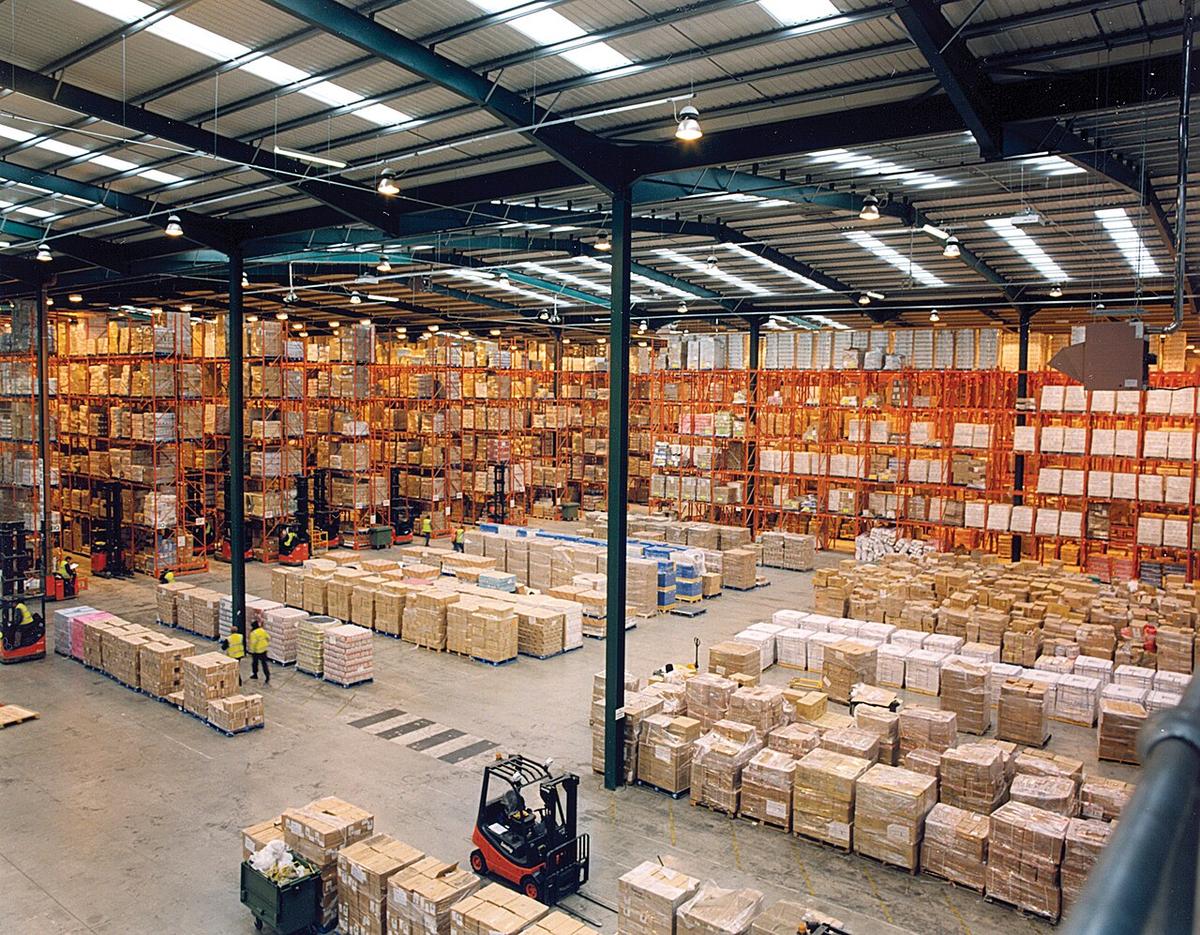
Modern warehouse pallet racking showing stock and inventory management

Finished-goods stock and sales do not match

Separate sales and stock records can make availability unclear.

The HulmPOS Solution

Product & inventory workflows for finished goods

Use product and inventory workflows for finished goods; confirm location and movement reports.
Problem 2Manufacturing Industry Bottleneck
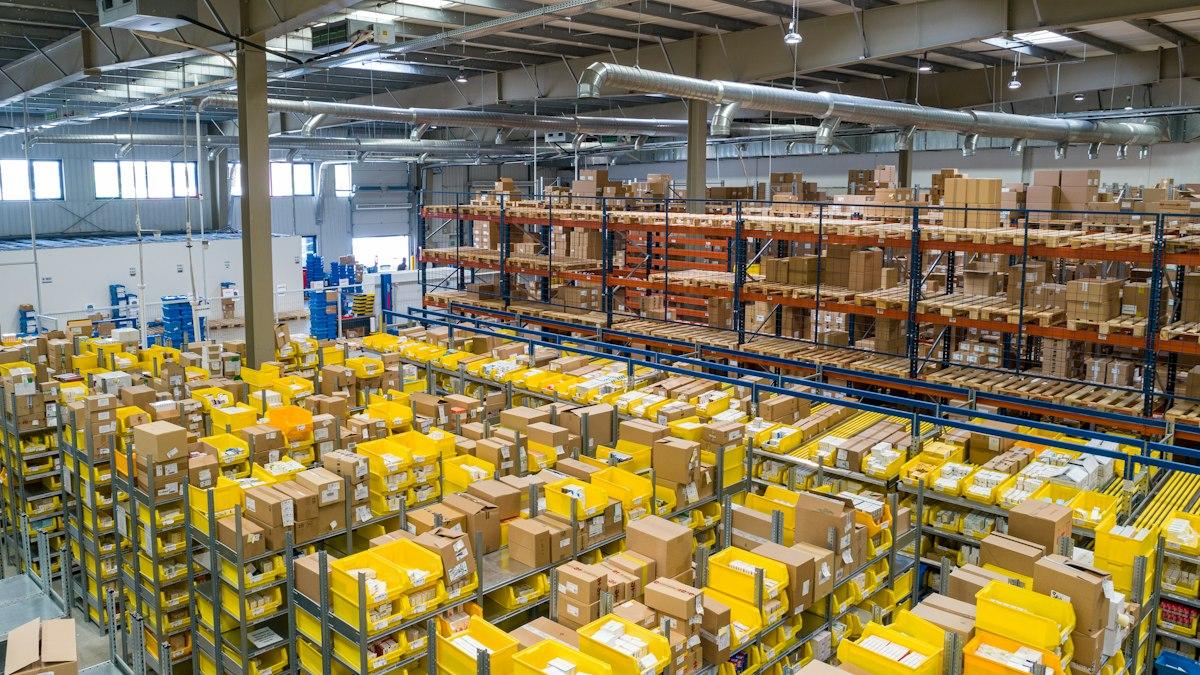
Warehouse dispatch invoices, packing slips and manual paperwork

Dispatch or counter sales are manual

Manual invoices and spreadsheets can create duplicate entries.

The HulmPOS Solution

Supported POS billing & sales-history workflow

Use the supported POS billing and sales-history workflow.

Problem 3Manufacturing Industry Bottleneck
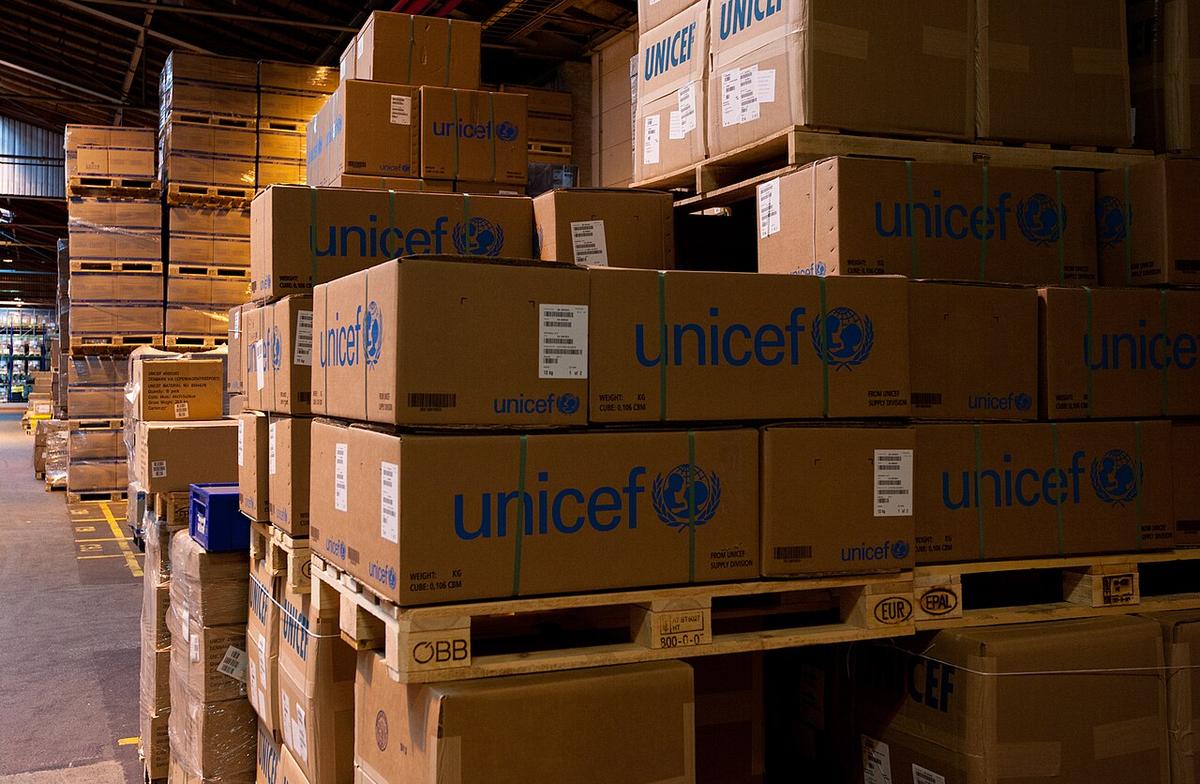
Pallets of boxed manufactured goods awaiting distribution and sales tracking

Owners need product-level sales visibility

Inconsistent records make it difficult to review sales and stock changes.

The HulmPOS Solution

Comprehensive sales & inventory reports

Use available sales and inventory reports.

Problem 4Manufacturing Industry Bottleneck
Industrial factory machinery and automated production assembly line

The business needs production planning, not just POS

Factories may need raw-material planning, BOMs, work orders, quality control and production scheduling.

The HulmPOS Solution

Clear manufacturing fit assessment

Choose HulmPOS only for workflows it demonstrably supports; a manufacturing ERP may be needed for broader production operations.

What the manufacturing industry POS looks like in Hulm

Real screens from Hulm POS. Your setup is configured around your products, branches and team.

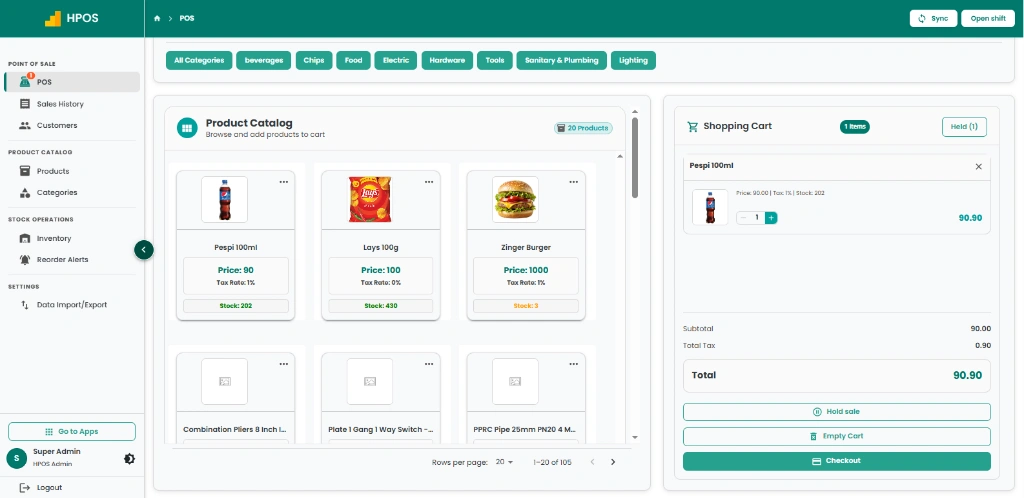
Hulm POS cashier register terminal with itemized checkout and order hold
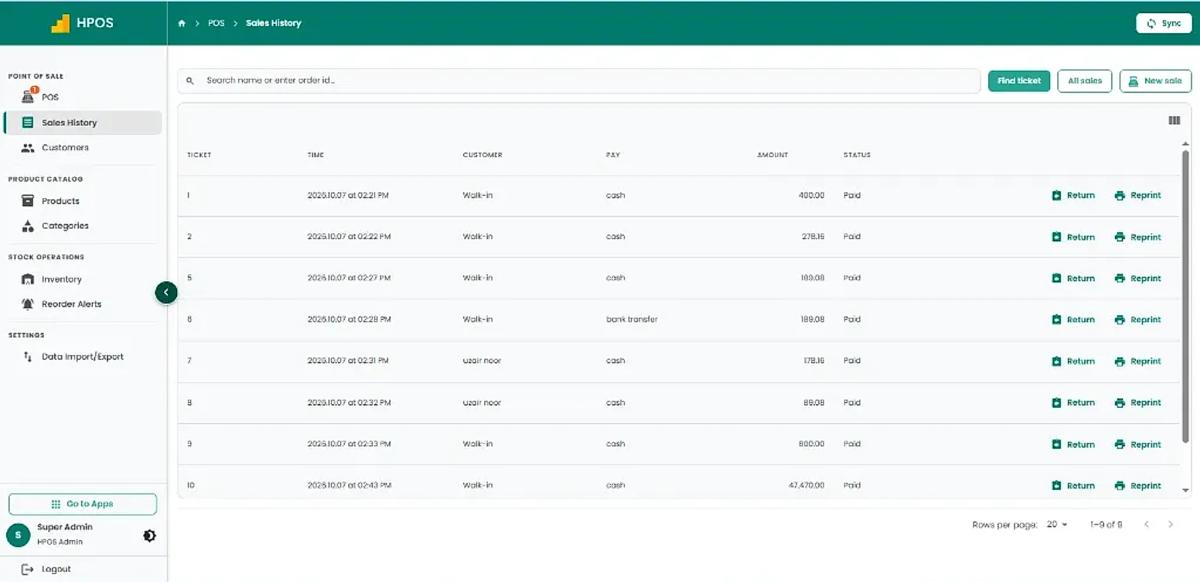
Hulm POS sales history dashboard with receipt details, returns, and payment records
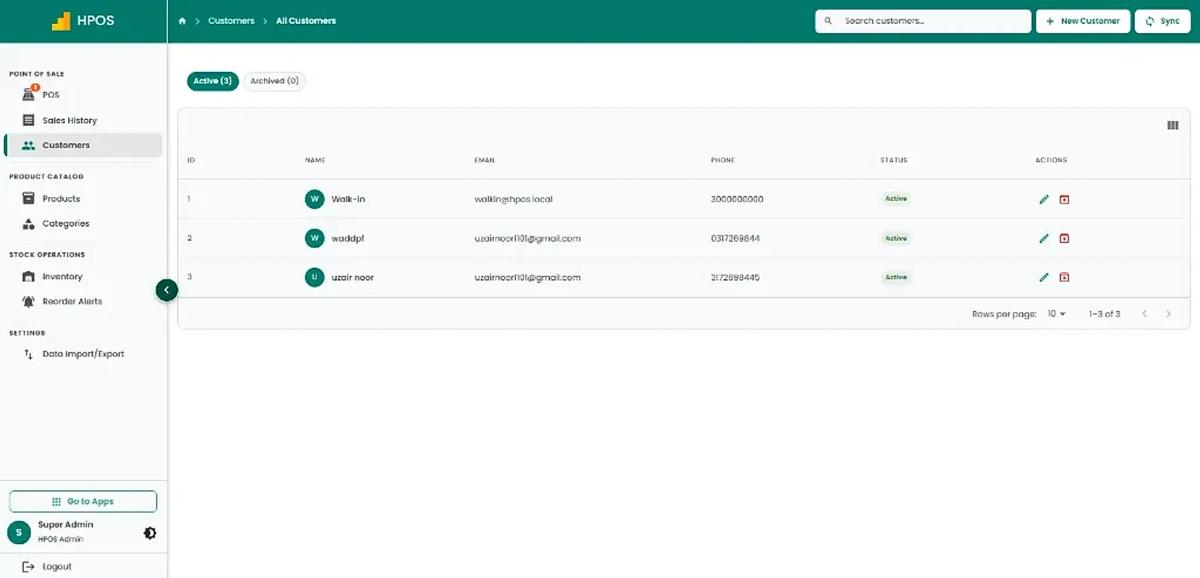
Hulm POS customer directory with contact details, loyalty profiles, and purchase logs
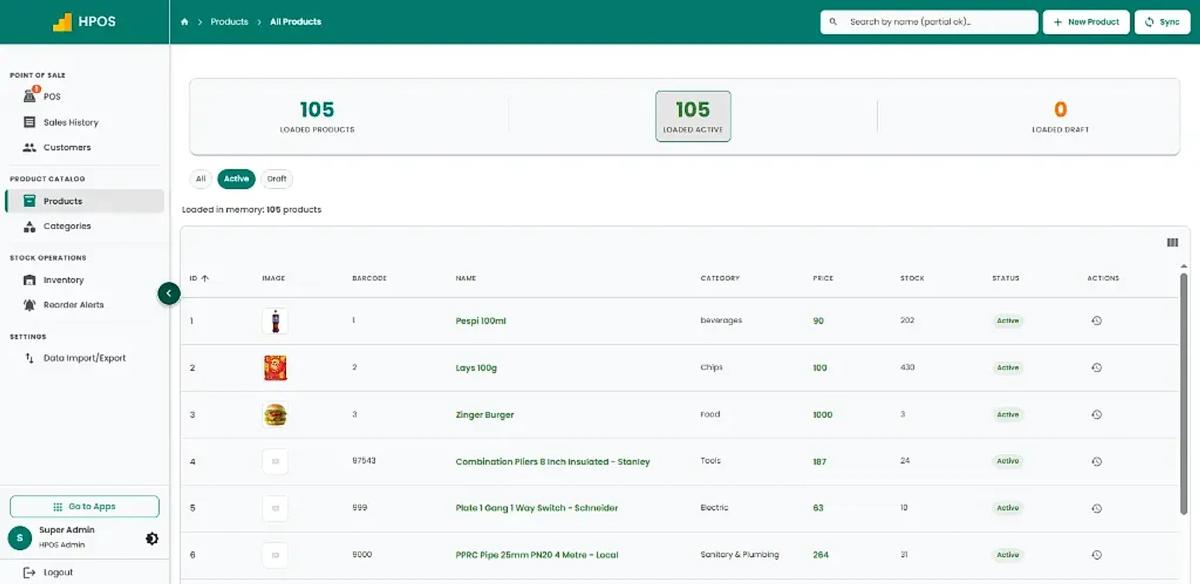
Hulm POS product catalogue management screen with barcode SKUs, costs, and retail prices
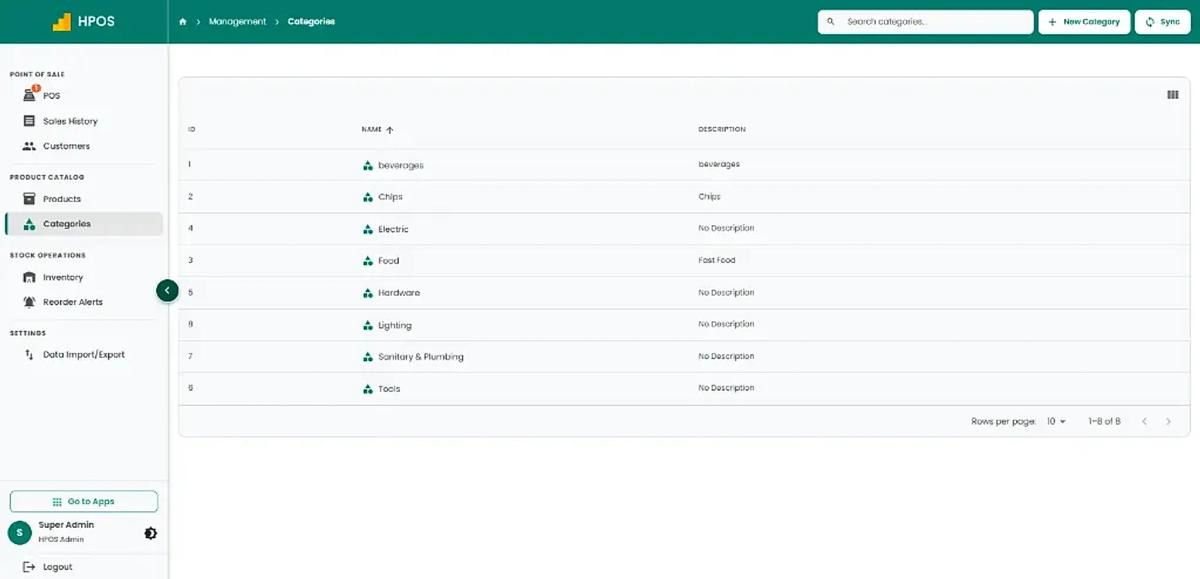
Hulm POS product category hierarchy screen for retail department organization
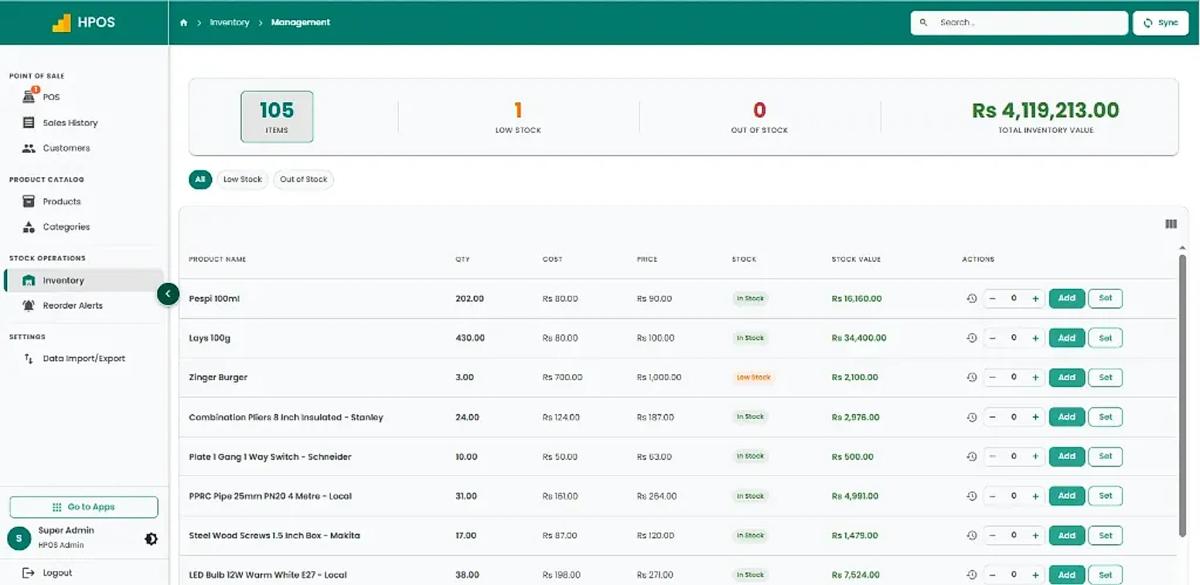
Hulm POS inventory tracking screen with multi-branch stock levels and cost valuations
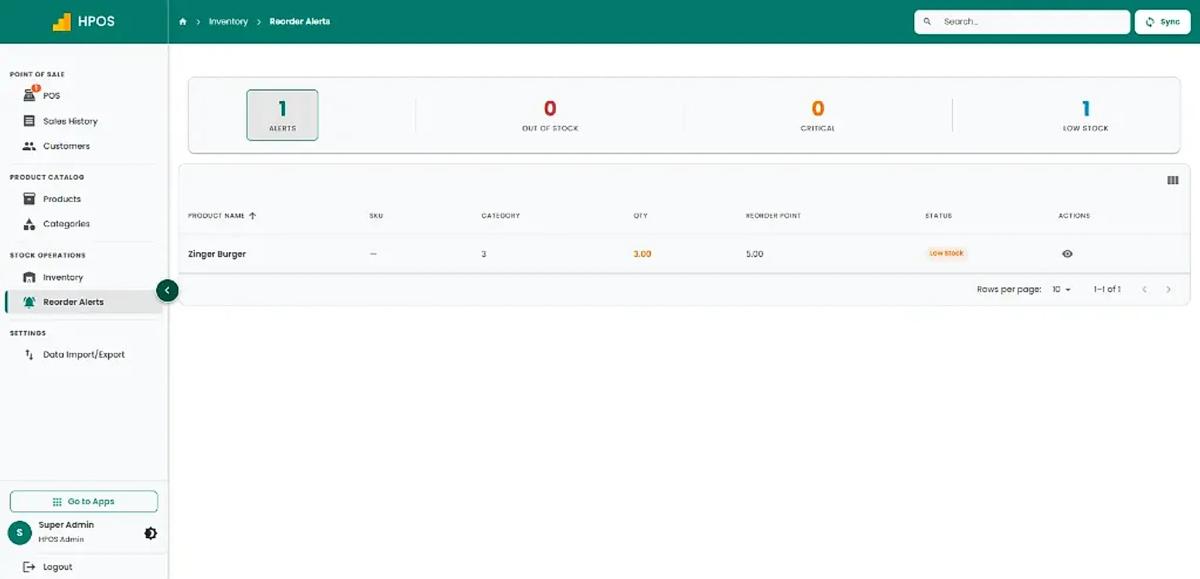
Hulm POS low-stock warning dashboard showing critical reorder thresholds
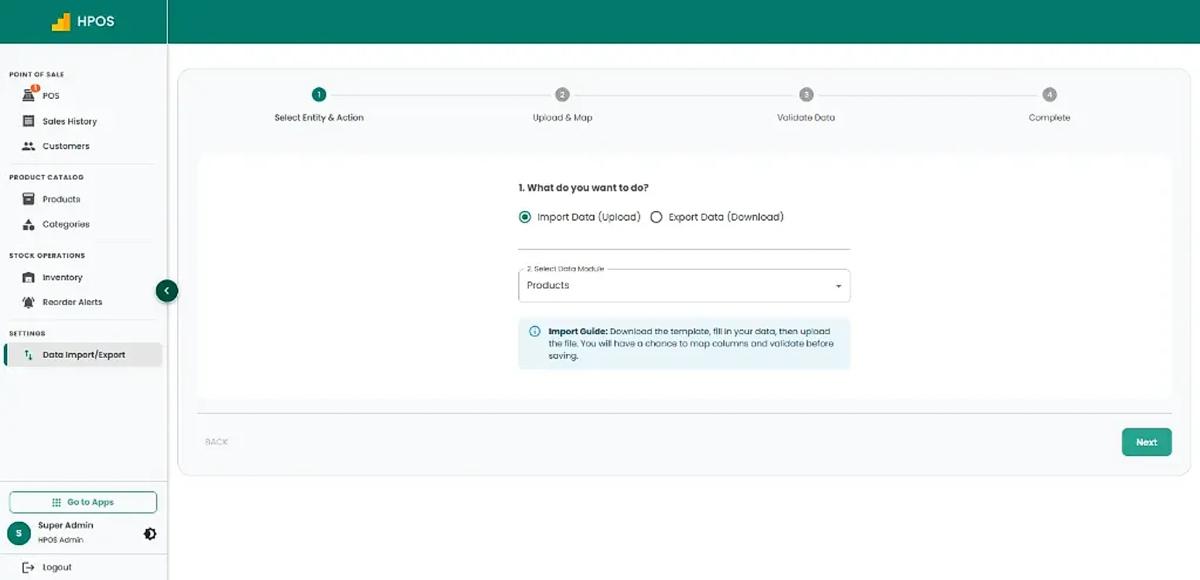
Hulm POS bulk data import and export module with spreadsheet template validation
Screen 01

Point of Sale & cashier checkout

Fast product catalogue search, category navigation, multi-item shopping cart, on-hold sales and instant receipt checkout.

01 / 08
Core Capabilities

Manufacturing Industry POS Features for Daily Operations

From fast counter checkout to stock tracking and shift audits, explore practical tools designed for Pakistani retail shops.

#01

Finished-product catalogue

Organise sellable items, categories, prices and identifiers.

#02

Sales billing and invoices

Record finished-goods sales through the POS workflow.

#03

Inventory records

Review stock quantities and available reports for configured locations.

#04

Supplier and purchase records

Use available vendor/purchase workflows where they fit.

#05

Customer and sales history

Maintain supported customer details and transactions.

#06

Sales and stock reporting

Review activity included in your plan.

#07

Manufacturing fit assessment

Confirm raw materials, BOMs, work orders, production planning, costing and quality control explicitly.

#08

Multi-depot & warehouse visibility

Track stock quantities across factory storage and distribution depots.

#09

Hardware compatibility

Connect supported invoice printers, barcode scanners and receipt printers.

Manufacturing Industry Life Cycle

How HulmPOS Fits Your Manufacturing Industry Workflow

Set up products, categories and the fields your business needs. Record sales or customer transactions through the supported POS workflow. Keep receipts, customer details and stock movements together where supported.

Continuous operating loop: automated sync from checkout to shift close
STAGE 01

Finished-Goods Catalogue

Organise manufactured products by SKU, category, wholesale price and barcode.

Finished-goods master
Flow
STAGE 02

Factory Sales & Dispatch Invoicing

Issue sales invoices for distributor orders, factory outlet buyers and counter dispatches.

Instant stock deduction
Flow
STAGE 04

Sales Reporting & Reconciliation

Audit customer receivables, cash balances and daily factory sales volume.

Daily sales audited
Cycle
STAGE 03

Warehouse & Depot Stock Control

Review finished goods quantities and multi-depot stock movements.

Inventory balance logged
Flow
Common setups

Common manufacturing industry setups

Start with the operating model closest to yours, then adjust the details during implementation.

Manufacturers selling finished products directly

Manage direct B2B buyer sales, dispatch billing and finished inventory.

Factory outlets & company-owned retail counters

Rapid counter checkout, customer receipts and retail outlet stock tracking.

Small producers needing sales billing

Replace scattered spreadsheets with unified product catalogue and customer invoices.

Depots assessing POS for sales workflows

Streamline dispatch invoicing and daily cash drawer reconciliation.

FBR integration support

Local Requirements and Integrations

If you need FBR or provincial tax-invoice support, confirm eligibility and exact integration scope with Hulm based on your registration and location. Do not assume one integration covers every federal or provincial requirement.

Review FBR integration

Connected invoice flow

Keep the configured FBR tax-invoice process close to the factory sales transaction.

Required invoice details

Support the sales tax, NTN/CNIC and B2B invoice fields agreed during setup.

Audit-ready transaction records

Retain complete sales records for tax compliance and accounting reconciliation.

Who it can support

Who Is HulmPOS Suitable For?

HulmPOS may be worth evaluating if your business needs clearer billing, product records and day-to-day sales visibility:

  • Manufacturers selling finished products directly
  • Factory outlets and company-owned retail counters
  • Small producers needing sales billing and finished-goods records
  • Businesses assessing whether POS covers a limited sales workflow
  • Packaging and goods distribution depots
  • Wholesale producers with counter pickup orders
Customizable catalogue & checkoutAsk about your store type
Key Evaluation Pillars

Why Consider HulmPOS for Your Manufacturing Business?

When considering POS software for manufacturing operations, focus on finished-goods sales and inventory:

  • Maintain clean finished-product catalogues with SKU codes
  • Eliminate duplicate paperwork with digital dispatch invoicing
  • Monitor stock quantities across warehouse and depot locations
  • Track customer purchase records and distributor credit balances
  • Clear assessment of POS scope versus complete manufacturing ERP
  • FBR-integrated sales invoice generation for registered production units
Confirm pricing, hardware specs and specialist features:

Customer story · Medical Equipment & Surgical Supplies

How Elate CC Pvt Ltd runs on Hulm POS

“With thousands of items and batch numbers to track, spreadsheets were always one step behind. Hulm’s system finally caught up to how big we’d actually grown.”Operations Lead, Elate CC Pvt Ltd
Read the Elate CC Pvt Ltd POS case study

100%

Batch & expiry tracking accuracy across catalog

Karachi, Pakistan

Setup questions

Frequently Asked Questions

These answers set expectations before plan selection and implementation.

Is HulmPOS a complete manufacturing ERP?

Do not assume it is. Confirm each requirement. If you need BOMs, work orders, production planning or quality control, request a product gap assessment.

Can HulmPOS manage finished-goods sales?

HulmPOS provides product, billing and inventory workflows; demonstrate your process and reports.

Can it track raw materials and production consumption?

Confirm raw-material tracking, BOMs and production consumption explicitly.

Can I manage warehouses or multiple locations?

Confirm location-level inventory, transfers and reporting.

Plan the right rollout

Ready to Simplify Your Manufacturing Industry Operations?

Tell us how your manufacturing industry business works today. Hulm can walk you through relevant billing, inventory, reporting and setup options.