
 Chat on WhatsApp
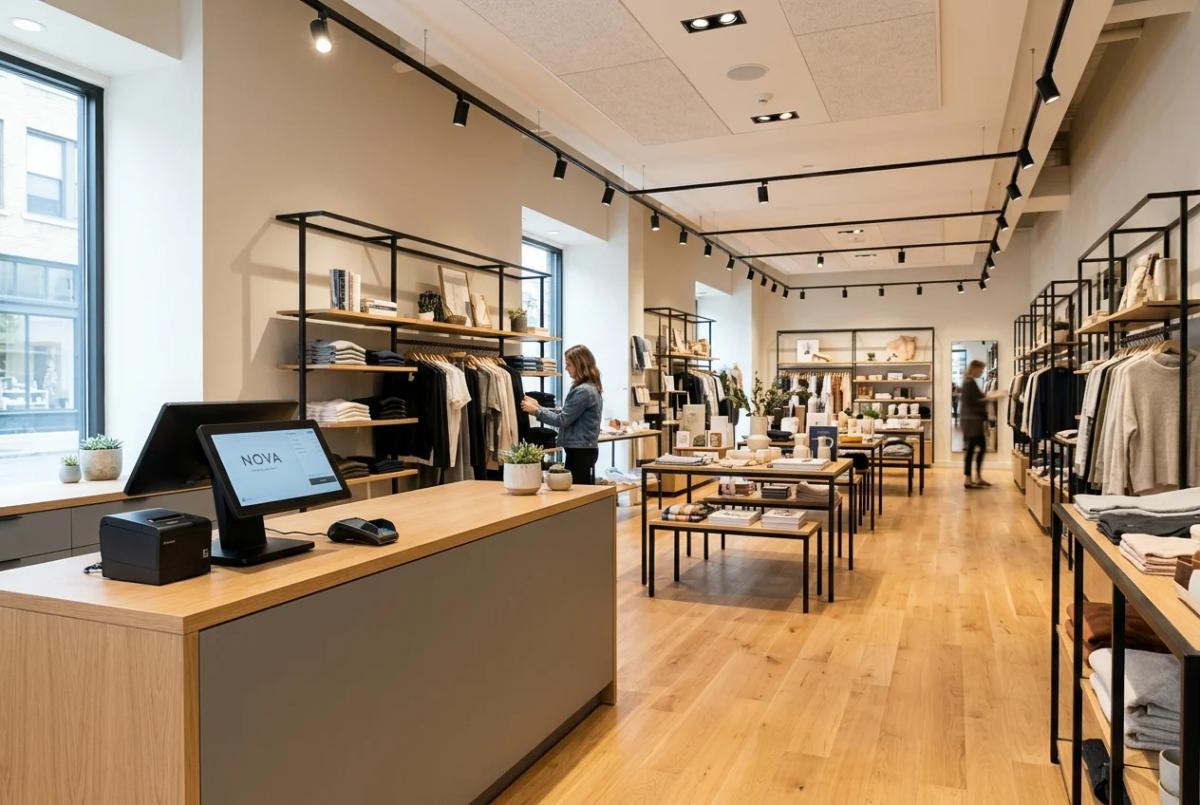
Retail Stores & Supermarkets
#1Fast barcode checkout, weighing scale support, inventory tracking for thousands of FMCG SKUs, and daily cash drawer reconciliation.
Retail POS software in KarachiHulm POS provides cloud POS software in Karachi from PKR 2,500/month with a 14-day free trial, no card required. Based at C-27, Block 14, Gulistan-e-Johar, Karachi, we deliver the POS software Karachi stores trust for billing and inventory. Upgrade your POS system in Karachi with WhatsApp (+92 339 111 9259) or email (info@hulmsolutions.com) for a modern point of sale in Karachi.
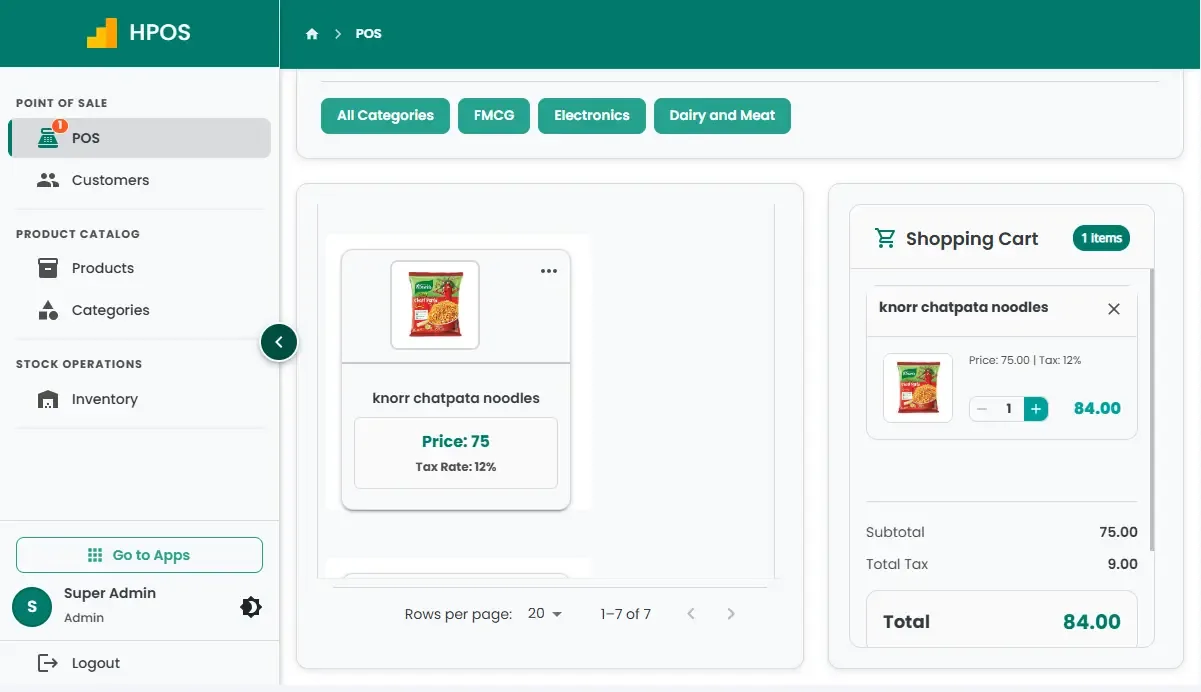
Key operational parameters, hardware compatibility, and pricing facts for businesses in Karachi.
| Parameter | Specification | Verification Status |
|---|---|---|
| Starting Subscription | PKR 2,500 per month (Starter Plan) | Billed monthly, no setup penalty |
| Free Trial | 14 Days full feature access | No credit card required to start |
| Platform & Access | Web browser (Cloud access on Windows, Mac, iPad, Android) | No server installation needed |
| Supported Hardware | 80mm & 58mm thermal printers, USB/wireless barcode scanners, cash drawers | [VERIFY: Certified receipt printer model list] |
| Tax Integration (FBR & SRB) | FBR Tier-1 integration available for eligible retailers; SRB invoice configuration | [VERIFY: SRB direct API certification status] |
| Branches Per Plan | Starter: 1 Branch; Multi-branch on Growth & Enterprise tiers | [VERIFY: Specific branch limits per tier] |
| Excel Data Import | Supported formats: .xlsx and .csv with assisted column mapping | [VERIFY: Maximum import file size limits] |
| Support Channels & Languages | WhatsApp (+92 339 111 9259), Email, Phone; Support in Urdu and English | [VERIFY: Dedicated support operating hours] |
| Average Setup Time | Same-day online onboarding and catalogue import assistance | [VERIFY: Standard onboarding turnaround time] |
When evaluating point of sale software for a Karachi retail store, restaurant, or pharmacy, consider these operational standards:
Many stores in Karachi still manage inventory and billing across paper notebooks, mental math, and disjointed Excel sheets. Here is how Hulm POS replaces manual friction with structured automation:
Comparing manual spreadsheet chaos with centralized cloud POS operations.
Counter sales not synced with sheets. Customers arrive only to find products out of stock.
Managers send photos/CSV in WhatsApp. Owner manually copies figures into master file 24–48h late.
Head office changes a price, but individual stores continue selling at old prices without audit logs.
Blind spots • Lost sales • Admin exhaustion
Does not know daily store balances without manual re-keying.
Every checkout instantly reduces stock in real time across Karachi, Lahore & Islamabad.
No waiting for WhatsApp files. Open phone or laptop and view revenue, margins & taxes in 1 click.
Update price once, it reflects everywhere. Inter-branch stock transfers tracked via verified logs.
100% Visibility • 2h Saved Daily • Faster Growth
Zero manual file merging. Focus on scaling your retail business.
From Disconnected Ledgers to One POS System in Karachi
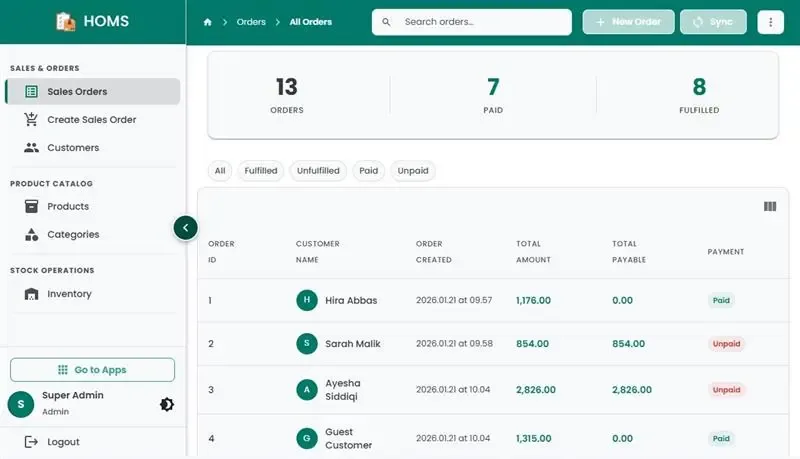
Centralize cashier checkouts, barcode scanning, stock balances, and Udhaar accounts.
Manage counter sales, stock valuation, supplier purchasing, and customer credit from one connected cloud dashboard.
Create sales, scan barcodes, process cash or card payments, and generate fast thermal receipts from any counter.
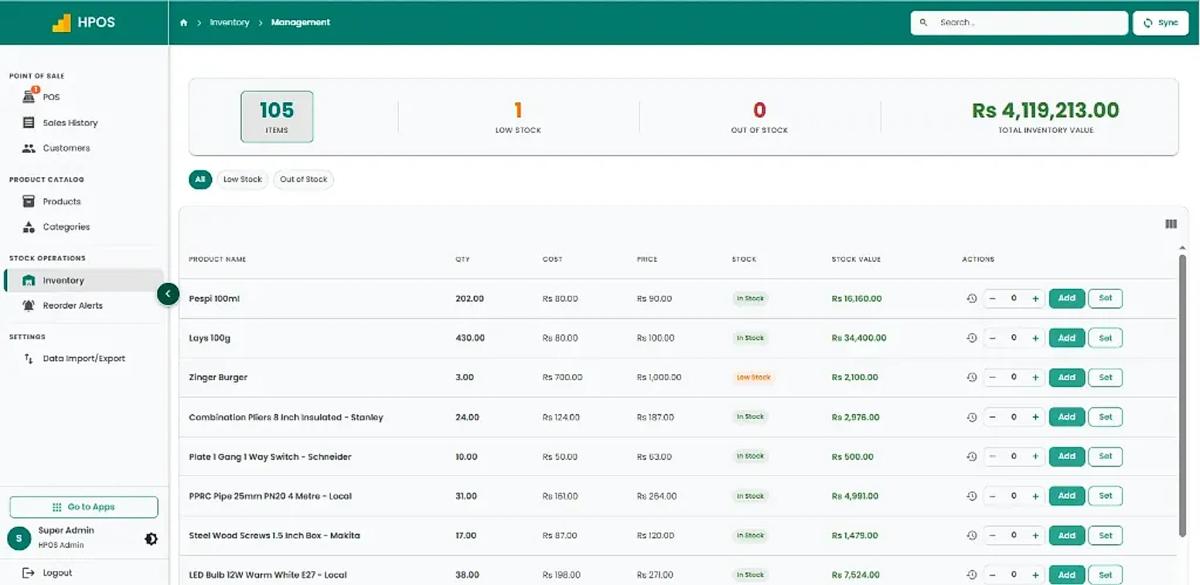
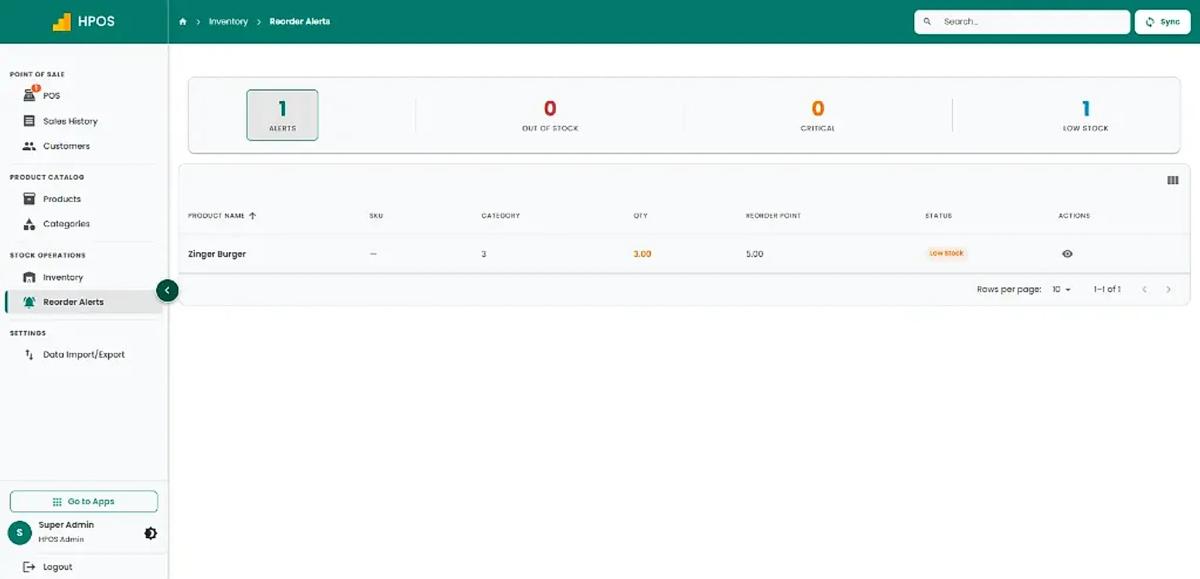
Track product stock in real time, set reorder points, organize categories, and manage cost and selling prices.
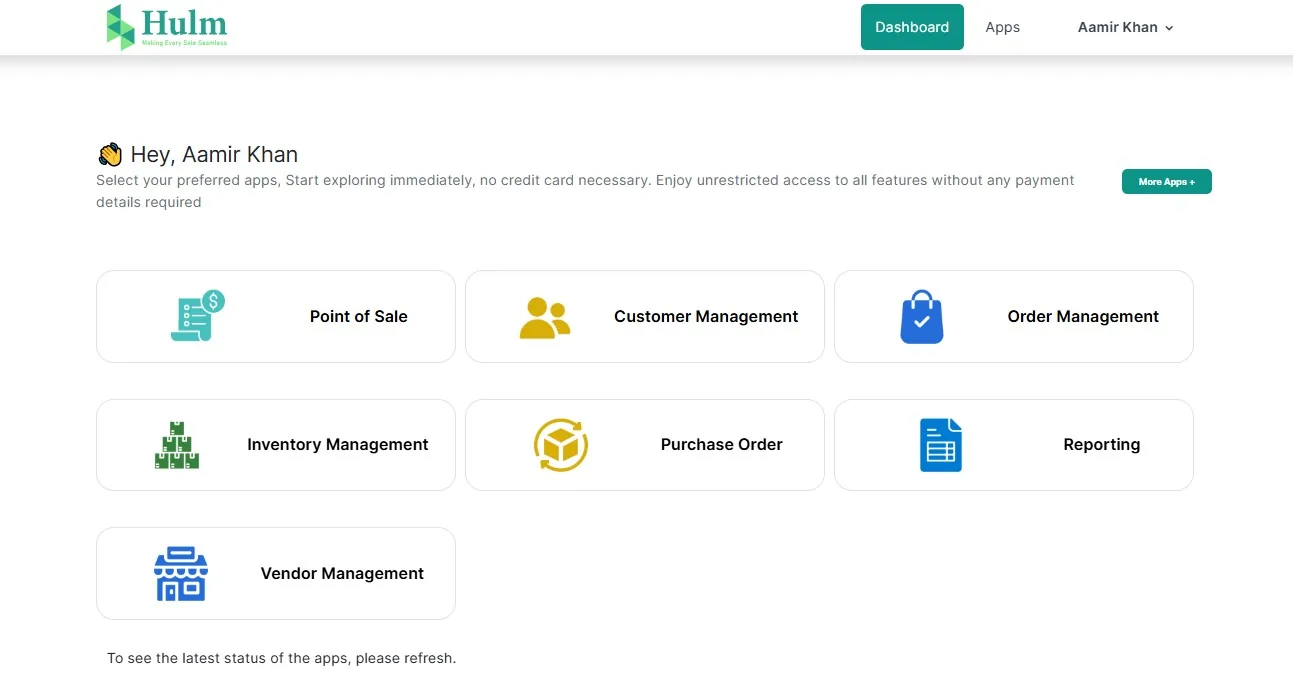
Record supplier purchases, track incoming stock deliveries, and maintain organized vendor payment histories.
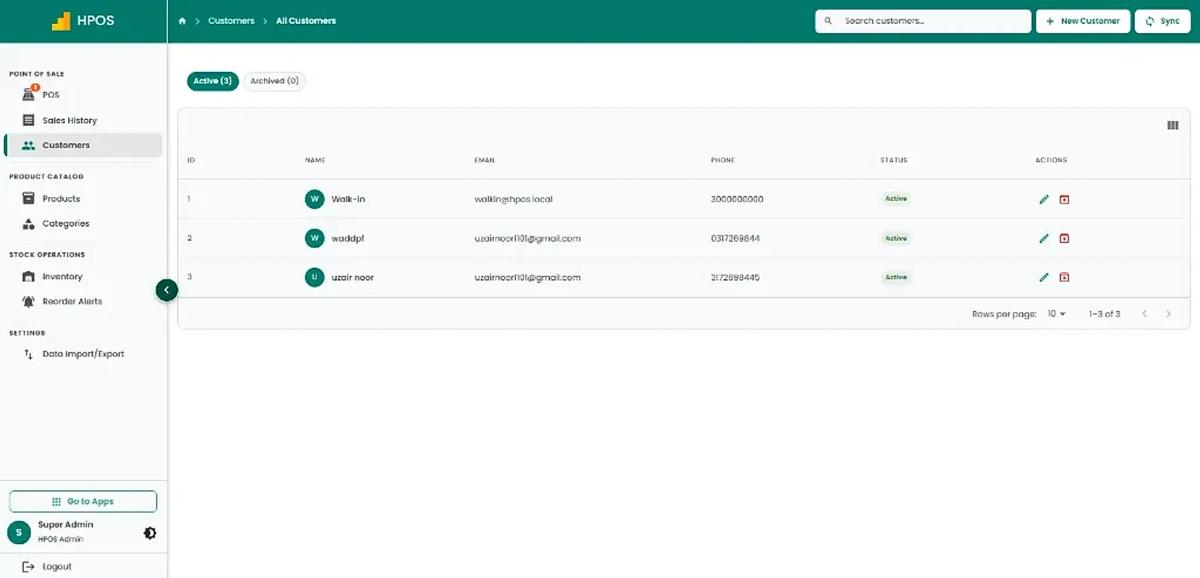
Keep customer profiles, record credit sales directly at checkout, and print updated outstanding balances on receipts.
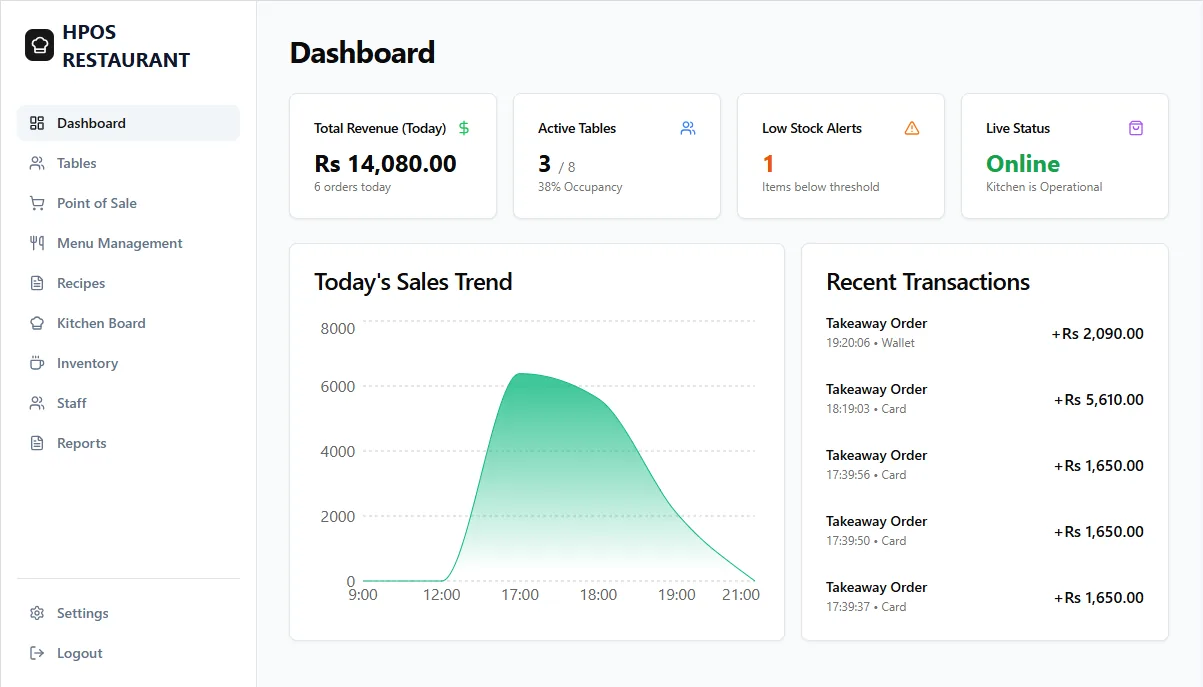
Review daily sales trends, peak trading hours, top-selling products, and gross margin analytics from anywhere.
Create dedicated cashier and manager accounts, control discount permissions, and protect sensitive cost margins.
Encourage repeat store visits with customer points and targeted promotion tracking built into checkout.
Generate structured purchase orders for distributors and automatically update stock quantities upon receipt.
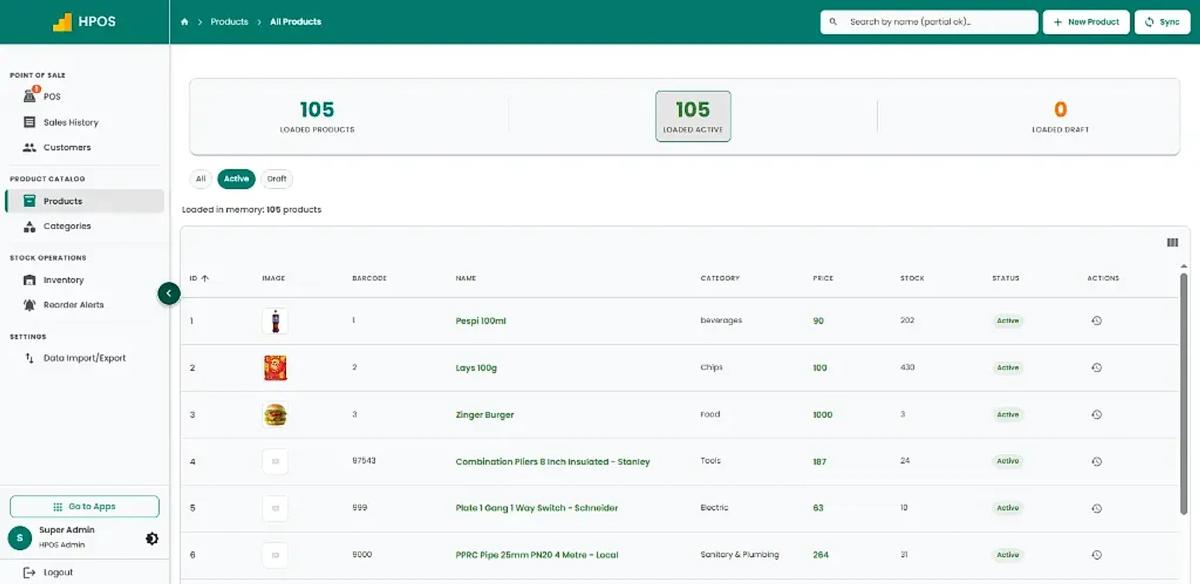
Add your products with relevant information such as product name, selling price, category, barcode and stock quantity.
PKR 245,200
Updated in real-time144 Bills
Across active countersPKR 1,702
Per counter checkout08:00 PM
PKR 63,500 in 38 billsBreakdown of gross sales across typical store hours
Each retail sector in Karachi has distinct counter workflows. Hulm POS configures barcode billing, table layouts, or batch numbers for your specific trade.
Fast barcode checkout, weighing scale support, inventory tracking for thousands of FMCG SKUs, and daily cash drawer reconciliation.
Retail POS software in Karachi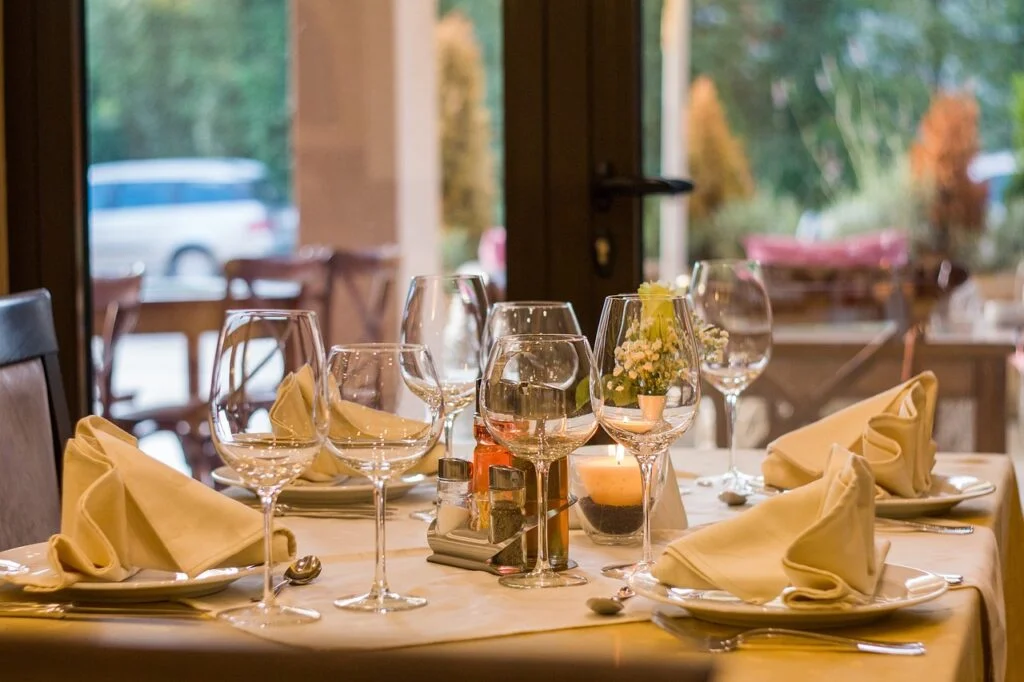
Kitchen order ticketing (KOT), dine-in table layouts, takeaway billing, split checks, and SRB sales tax invoice compliance.
Restaurant POS software in Karachi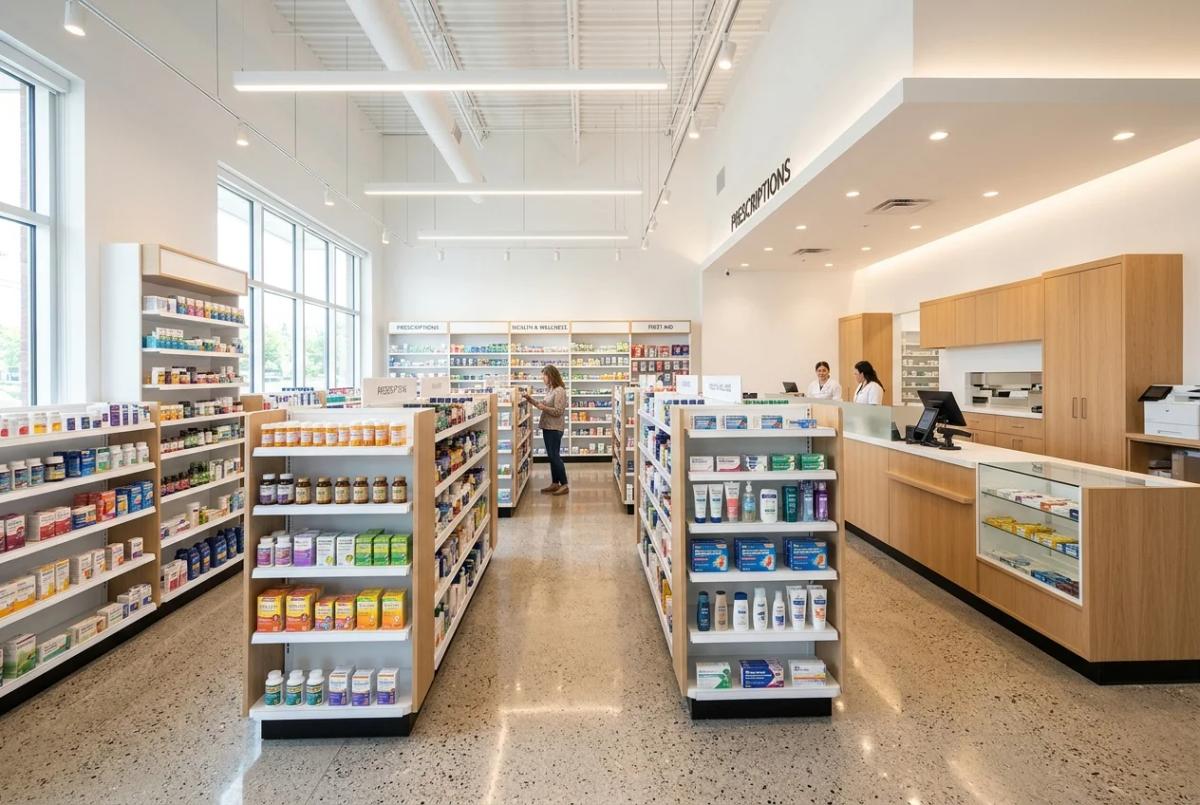
Batch number tracking, expiry date monitoring, distributor purchase ledgers, and fast medicine brand lookups.
Pharmacy POS software in Karachi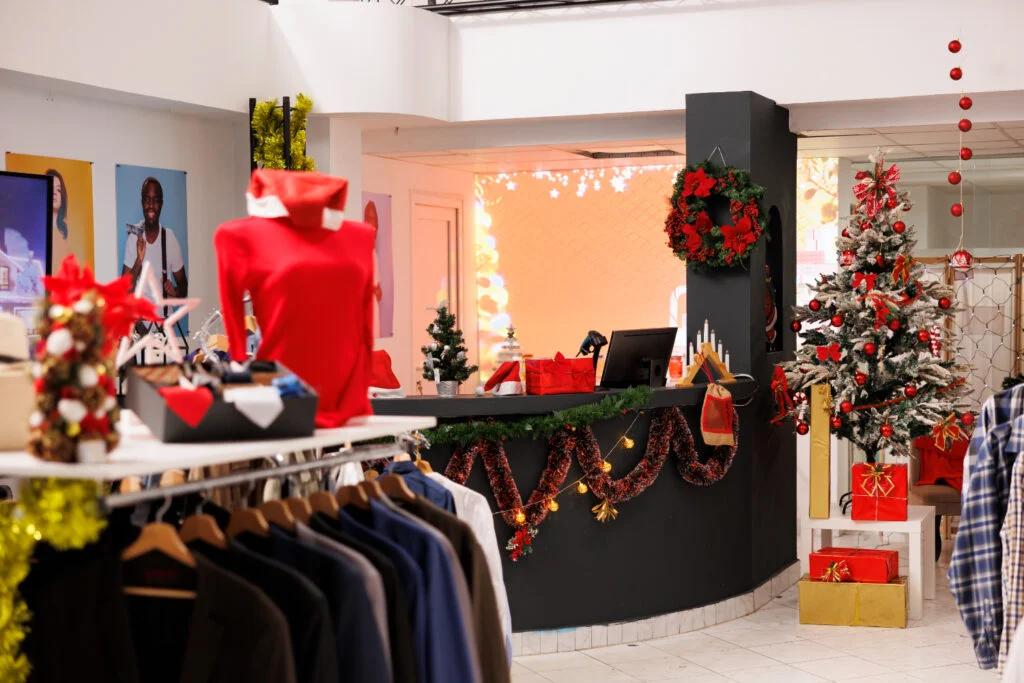
Matrix-aware variant tracking (sizes, colors, fabrics), barcode tag printing, customer discounts, and seasonal inventory control.
Clothing store POS in Karachi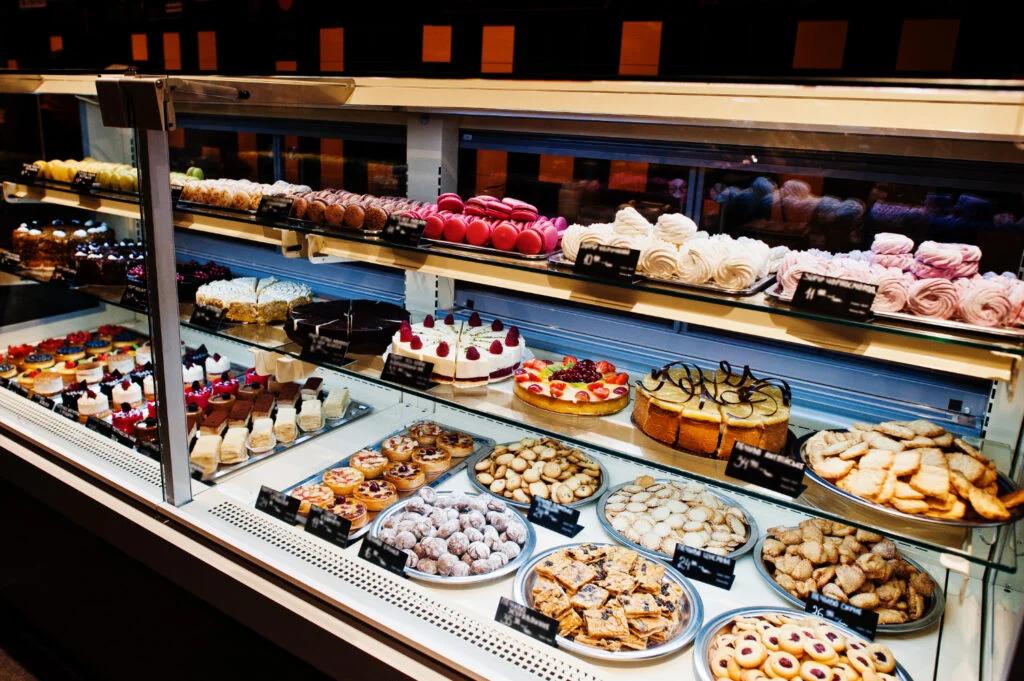
Weighed item pricing, fast counter sales during evening rushes, custom cake order bookings, and daily fresh production tracking.
Bakery POS system in Karachi
Serial number and dual-SIM IMEI tracking, warranty claim recording, repair ticketing, and technician job sheets.
Electric store POS in KarachiBusinesses operating in Karachi fall under two distinct tax administrations: the Federal Board of Revenue (FBR) for sales tax on physical goods and Tier-1 retail mandates, and the Sindh Revenue Board (SRB) for sales tax on services (affecting restaurants, cafes, caterers, and salons).
Hulm POS provides invoice configuration capabilities for tax registration numbers (NTN, STRN, and SRB SNTN) and itemized tax breakdowns. For qualifying Tier-1 retailers, Hulm POS provides integration tools for generating FBR-compliant invoice numbers and verification QR codes.
Tax parameters depend on your enterprise category and current FBR/SRB notifications. During onboarding, our team reviews your tax registration details to format receipts accordingly.
Start with an affordable monthly subscription without heavy upfront software licensing penalties.
Everything your counter needs to scan items, process cash or card bills, and track customer credit in one secure cloud system.
What the Starter Plan Includes:
Barcode scanning & receipt printing
Live stock deduction & low-stock alerts
Customer credit balance on receipts
End-of-day register closing totals
Bulk upload of product spreadsheet
WhatsApp & phone guidance in Urdu
Price Exclusions: Applicable provincial sales taxes / SRB; physical hardware (PCs, thermal printers, barcode scanners).
Hardware Notice: Runs on your existing computers or tablets with standard USB/LAN receipt printers.
Straightforward monthly subscription with zero long-term contract lock-in.
Need Multiple Branches or Advanced Tiers?
[VERIFY: Growth, Business & Enterprise multi-branch pricing tiers and user limits]
Switching software should never mean retyping thousands of products, prices, and barcodes by hand. Hulm POS provides assisted data migration for compatible Excel spreadsheets and CSV exports.
Structured zero-downtime transition framework for Karachi retail stores and pharmacies.
Consolidate all separate desktop sheets, purchase records, and price lists into a single master workbook.
Ensure unique product codes (SKUs/Barcodes), explicit product names, cost prices, retail selling prices, and categories.
Grab the pre-configured Hulm POS CSV/Excel import template from the settings dashboard.
Import thousands of SKUs in seconds. Hulm POS automatically maps fields and checks for barcode conflicts.
Conduct a spot check of on-shelf quantities and set accurate opening stock levels before going live.
Plug in your 80mm thermal receipt printer and barcode scanner. Train cashiers in under 15 minutes.
See how real enterprises in Karachi transitioned from manual registers to organized cloud point of sale operations.
Farhan Ahmed replaced a diary-and-spreadsheet booking process with Hulm POS to handle advance wedding reservations, ingredient costing, and FBR-compliant billing across simultaneous events in Karachi.
Customer Testimonial Verification Policy:
Per strict data accuracy guidelines, individual merchant quotes and reviews are rendered only upon written client consent and independent verification.
[VERIFY: Real Karachi Merchant Reviews - Awaiting signed attribution before DOM inclusion]
Running outlets across Saddar, Clifton, Gulshan-e-Iqbal, and Gulistan-e-Johar should not require calling cashiers or cross-referencing messy spreadsheets at midnight.
Hulm POS synchronizes transactions and stock levels across every branch in real time. Business owners can view consolidated sales reports or drill down into individual counter performance from any browser.
* Note: Multi-branch capacity, branch transfer workflows and user permissions vary by subscription plan. Confirm your specific branch requirements with our product team.
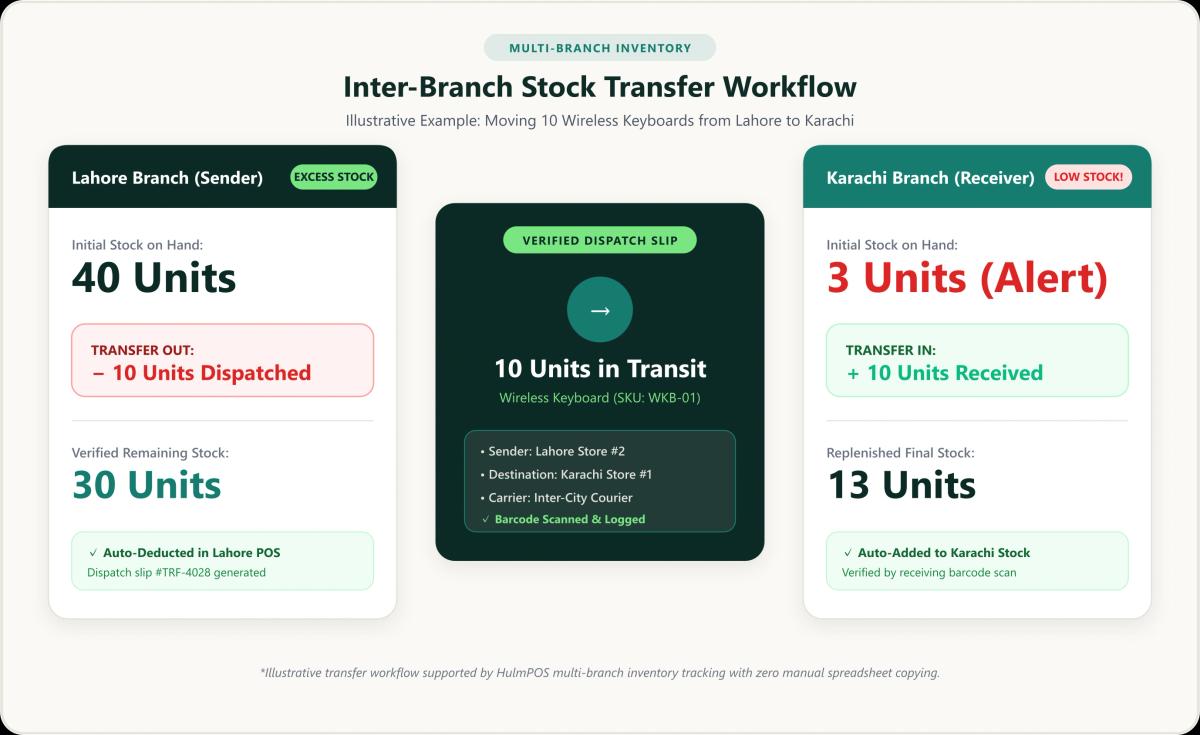
Live inter-branch inventory transfers, shared customer credit ledgers, and consolidated daily analytics.
Choosing a dependable POS in Karachi ensures your counter operations receive responsive onboarding and prompt WhatsApp troubleshooting when questions arise. Our team is located right here in Karachi, providing dedicated setup assistance and cashier training.
How Onboarding Works: To provide rapid turnaround times across all districts, onboarding, database imports, and cashier training are delivered remotely via WhatsApp, phone, and screen-sharing sessions by our Karachi product team.
[VERIFY: In-person on-site deployment visits - Available exclusively for custom enterprise multi-branch retail contracts]
C-27, Block 14, Gulistan-e-Johar, Karachi
Tell us about your business setup. Our Karachi product specialists will walk you through checkout speed, Excel data imports, stock tracking, and reports tailored to your store.
See live billing, inventory tracking, and reports tailored to your store.
Direct answers to common questions about pricing, hardware, FBR rules, SRB compliance, and data imports for Karachi retail and food businesses.
Hulm POS starts at PKR 2,500 per month for the Starter plan, which covers essential retail billing, inventory management, customer ledgers, and standard sales reports. Higher tiers support multiple branches and advanced user controls. Hardware is purchased separately, and all plans include a 14-day free trial with no upfront setup fee.
Read: Hulm POS pricing plansThe best POS system for small Karachi retailers provides fast barcode checkout, inventory tracking, customer credit (Udhaar Khata), and WhatsApp support without complex hardware requirements. Hulm POS runs on any laptop or desktop PC via a web browser, making it practical and affordable for grocery stores, boutiques, and pharmacies.
Read: Retail store POS featuresUnder federal tax rules, Tier-1 retailers operating in air-conditioned shopping malls, national retail chains, or large commercial premises must integrate their POS billing with the FBR. Hulm POS provides FBR-compliant invoicing integration for eligible businesses, printing the required FBR invoice number and verification QR code on receipts.
Read: FBR integrated POS detailsRestaurants, cafes, caterers, and service businesses in Karachi are subject to Sindh Sales Tax administered by the Sindh Revenue Board (SRB). Hulm POS invoices can be configured with your SRB SNTN and applicable service tax percentages. Share your tax registration details during onboarding to review invoice formatting.
Read: Restaurant POS workflowsYou can sign up for a full-featured 14-day trial of Hulm POS immediately without entering a credit card or debit card. Test barcode scanning, create product categories, process test bills, and explore business reports. If you decide to continue, activate your monthly subscription starting at PKR 2,500.
Yes. If you already have your inventory in an Excel spreadsheet or CSV file, our team provides assisted migration. You can import item names, barcodes, categories, cost prices, and retail prices in bulk, eliminating manual data entry so your Karachi store can launch with zero counter downtime.
Read: Switch POS without losing dataHulm POS is cloud-based and runs in any modern web browser on your existing Windows PC, Mac, laptop, or tablet. For physical store counters, it connects with standard 80mm or 58mm thermal receipt printers, USB or wireless barcode scanners, and standard electronic cash drawers without proprietary hardware locks.
Read: POS hardware compatibilityHulm POS is a cloud-native platform that requires an active internet connection to ensure real-time inventory synchronization, instant data backups, and multi-branch visibility. In Karachi, stores commonly connect their counter PCs via standard broadband, fiber, or a backup 4G mobile Wi-Fi hotspot to maintain uninterrupted billing.
Yes. Hulm POS supports multi-branch operations, enabling centralized inventory management, stock transfers between locations, and branch-wise sales reporting from a single dashboard. Business owners can monitor live performance across outlets in Saddar, Clifton, Gulshan, and Gulistan-e-Johar remotely without having to visit each shop in person.
Read: Multi-branch retail managementYes. Hulm POS allows administrators to create separate staff accounts with customized role permissions. You can prevent cashiers from viewing purchase costs, editing past invoices, or altering product prices. Shift summaries track cash collected per counter, helping prevent discrepancies between drawer totals and recorded transactions.
Hulm POS includes an integrated customer ledger module (Udhaar Khata). Cashiers can record sales on credit directly at checkout, assign transactions to specific customer accounts, and set credit limits. Customer receipts display the current purchase alongside their remaining balance, making neighborhood credit management transparent and organized.
Read: Customer ledger moduleYes. Our support team is based in Karachi and provides assistance in both Urdu and English via WhatsApp, phone, and screen sharing. We guide your cashiers through daily checkout, inventory entry, and receipt printing so your staff feels confident running the POS from their first day.
Read: Contact Karachi supportSwitching is straightforward: export your product and customer records from your existing software into Excel, share the file with our team for format verification, and upload your catalogue. We assist with testing barcode scanning and counter checkout before you go live, ensuring a smooth transition without losing historical records.
Read: Data migration guideYour business data is hosted on secure cloud infrastructure with encrypted data transmission and automated daily backups. Unlike traditional desktop POS computers that can crash or lose data during power fluctuations in Karachi, your sales records, inventory values, and customer balances remain protected and accessible anytime.
Read: Data security overviewStop struggling with slow manual registers and disconnected spreadsheets. Modernize your store with cloud POS software designed for retail counters, restaurants, and pharmacies.
Starter plan starts at PKR 2,500/month with a full 14-day free trial.
No credit card required for 14-day trial • Assisted Excel product data import • WhatsApp support in Urdu
 Discuss Tax Setup on WhatsApp