
How to Manage Multiple Retail Branches Without Separate Spreadsheets
Table of ContentsTap to expand
Managing two, three, or more retail branches shouldn't mean maintaining multiple Excel files, chasing managers for daily reports, or guessing how much stock is available at each location.
As your retail business grows, you need a better way to manage sales, inventory, products, and business operations.
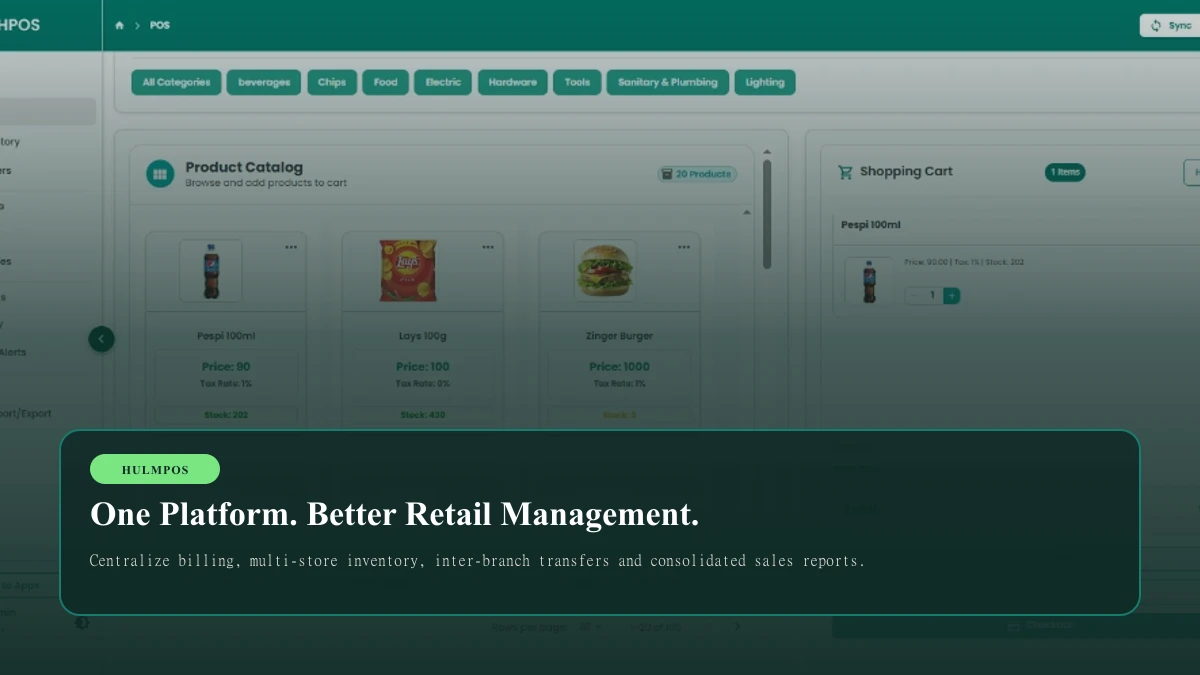
HulmPOS helps retail businesses bring their daily operations into one connected cloud-based POS platform.
Manage billing, inventory, customer records, and sales reports with software starting at just PKR 2,500/month.
Quick Answer: How Can You Manage Multiple Retail Branches?
The easiest way to manage multiple retail branches is to use centralized retail management software instead of maintaining separate operational spreadsheets.
A cloud-based POS system connects important business activities, including:
- Product and inventory management.
- Sales and billing.
- Branch-wise stock tracking.
- Stock transfers between locations.
- Customer records.
- Purchase and vendor management.
- Business reporting.
This allows business owners to review available information across their locations while employees manage daily operations at their respective branches.
For retailers in Pakistan, HulmPOS offers cloud-based POS software starting at PKR 2,500/month, with plans designed to support growing businesses and multiple branches.
1. Are Separate Excel Spreadsheets Making Your Retail Business Difficult to Manage?
Imagine you own a retail business with three branches:
- Karachi
- Lahore
- Islamabad
Every branch has its own manager, employees, inventory, and daily sales.
Initially, you create separate Excel spreadsheets to manage everything.

Your daily workflow looks something like this:
| Branch | Daily management |
|---|---|
| Karachi | Sales and stock in Excel |
| Lahore | Sales and stock in Excel |
| Islamabad | Sales and stock in Excel |
At the end of the day, you ask every manager to send their reports.
Now you have to combine the files, compare sales, check inventory, and identify mistakes.
This creates several problems:
- Outdated inventory: A product is sold, but the spreadsheet isn't updated.
- Delayed reporting: Managers send reports at different times.
- Stock discrepancies: Products are transferred, but both branches don't update their records.
- Inconsistent product information: Different branches maintain different product names or prices.
- Limited visibility: You cannot easily compare business performance across locations.
The problem is not that Excel is bad. It is that managing daily operations through multiple disconnected files becomes increasingly difficult as your business grows.
What if all your retail operations were connected?

Instead of collecting reports from different locations, you can use a connected POS platform to organize your business information.
That's where HulmPOS comes in.
2. Five Problems a Retail Business Can Solve With Centralized POS Software
Problem 1: You Don't Know Exactly How Much Stock Is Available
Imagine selling wireless keyboards across three branches.
Here is an illustrative inventory example:
| Branch | Available stock |
|---|---|
| Karachi | 35 |
| Lahore | 20 |
| Islamabad | 15 |
| Total | 70 |
Karachi sells five keyboards, but the manager forgets to update the spreadsheet.
Your records still show 35, although the actual quantity is 30.
This can affect purchasing decisions and customer orders.
How HulmPOS helps:
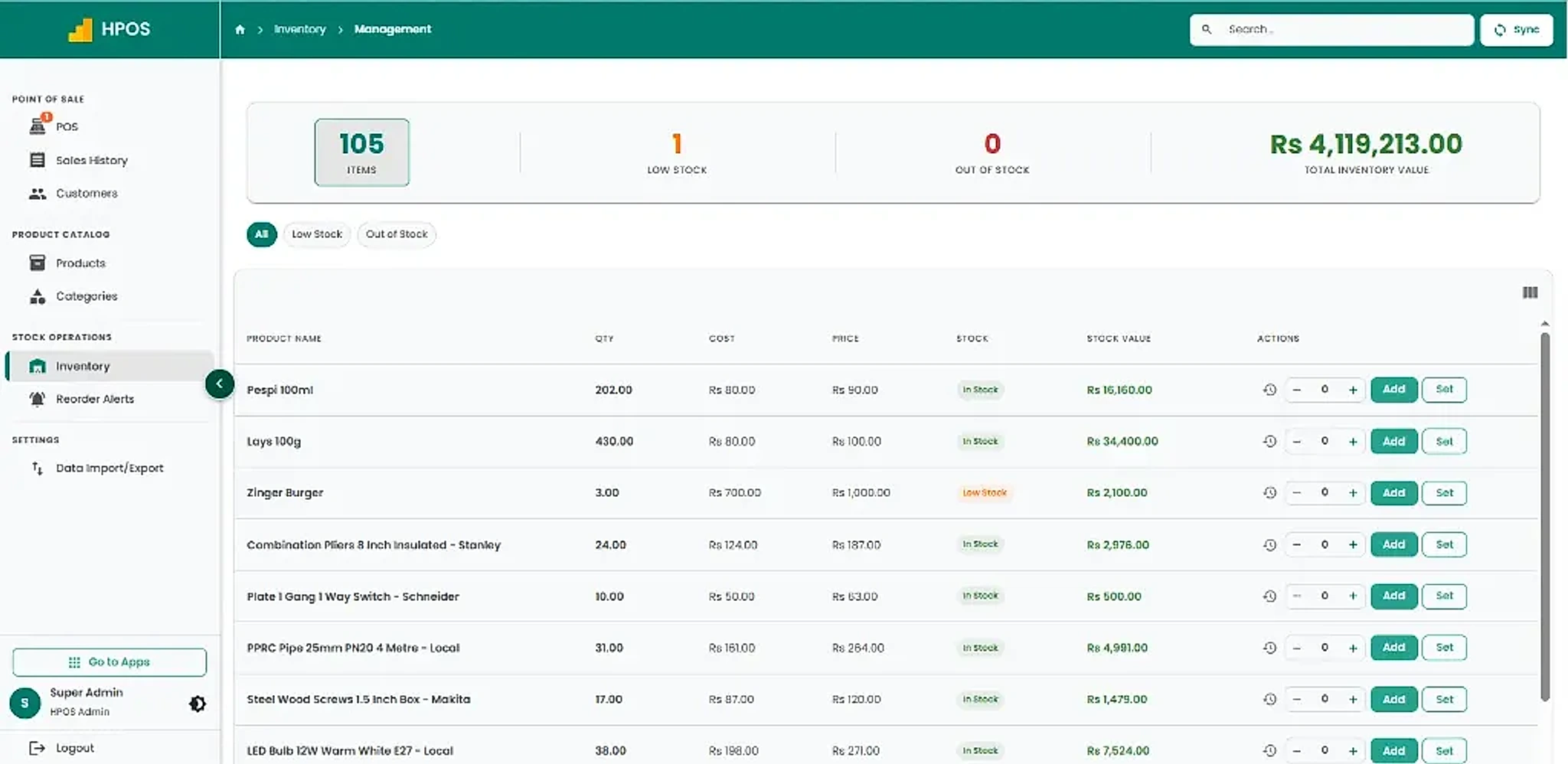
HulmPOS provides inventory management that connects product records and stock information with POS sales workflows. It helps businesses maintain more organized inventory records and review available stock information.
Problem 2: You Have to Wait for Daily Sales Reports
Imagine asking three managers to send their daily sales reports.
One sends an Excel file. Another sends a WhatsApp message. The third sends the report the next morning.
You cannot quickly understand your business performance.
How HulmPOS helps:
Record transactions through the POS system and review sales history and available business reports.
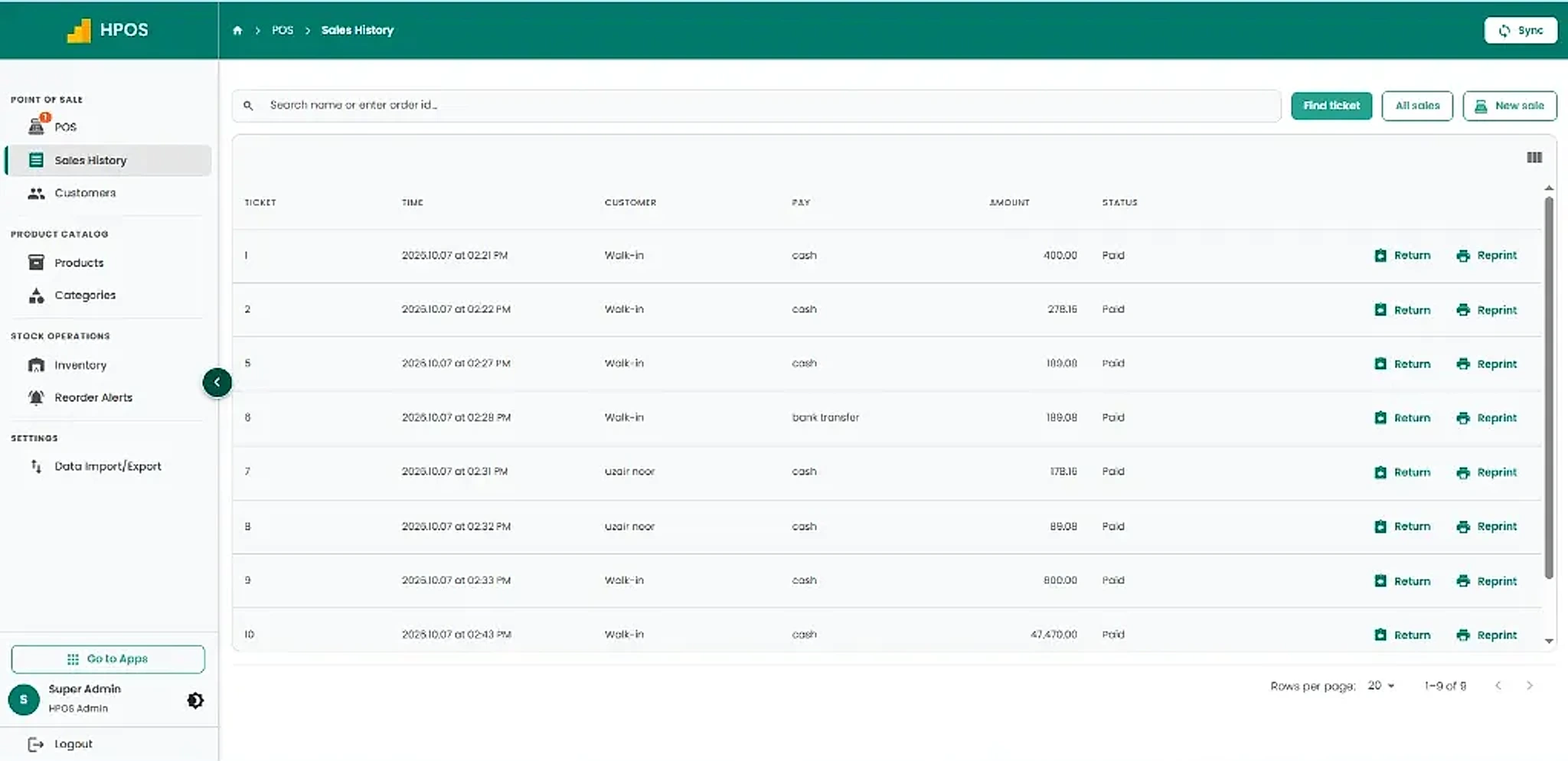
Instead of manually combining every transaction, use organized sales records to review business activity.
Problem 3: Stock Transfers Create Confusion
Suppose Lahore has 40 units of a product, while Karachi has only three.
You want to transfer 10 units from Lahore to Karachi.

Without a proper transfer process, both branches may maintain different inventory records.
How HulmPOS helps:
Use a centralized multi-branch management workflow to organize inventory movements and review stock information across supported locations.
Problem 4: Different Branches Use Different Product Prices
Suppose a product's selling price changes from Rs. 2,000 to Rs. 2,200.
With separate spreadsheets, every manager must update the price manually.
One branch may continue using the old price.
How HulmPOS helps:
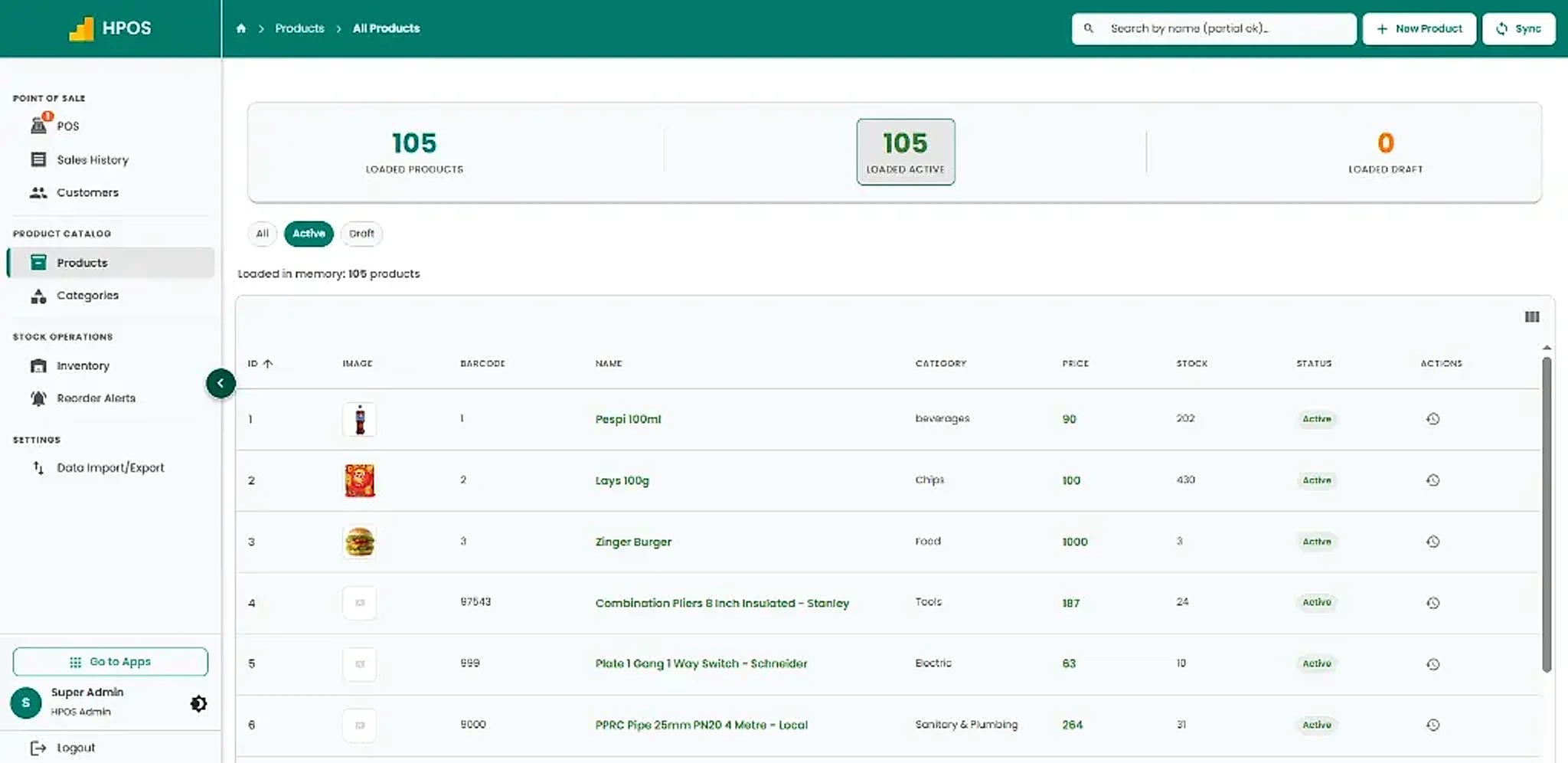
Maintain structured product and pricing records through the product management module.
Problem 5: You Cannot Compare Business Performance Easily
As a business owner, you need to know more than total sales.
You need to understand which branches are performing well, which products sell faster, and where inventory needs attention.

| Branch | Example monthly sales |
|---|---|
| Karachi | Rs. 1,200,000 |
| Lahore | Rs. 950,000 |
| Islamabad | Rs. 750,000 |
These are sample figures, not actual HulmPOS customer data.
How HulmPOS helps:
Use available sales reports and branch-level business information to review performance and make more informed decisions.
3. Why Retail Owners Are Moving From Excel to POS Software
Excel is useful for calculations and business analysis, but it isn't designed to handle every part of a growing retail operation.
Compare the two approaches:
| Business activity | Separate Excel files | HulmPOS |
|---|---|---|
| POS billing | Manual entries | Dedicated POS checkout |
| Product management | Separate records | Centralized product management |
| Inventory | Manual updates | Connected inventory workflows |
| Sales history | Multiple files | Organized transaction history |
| Customer records | Separate lists | Customer management |
| Reporting | Manual consolidation | Available sales reports |
| Data management | Manual sharing | Cloud-based platform |
| Data migration | Manual copying | Supported Excel/CSV import and export |
The advantage: HulmPOS connects important daily retail activities instead of making you maintain separate records for every operation.
4. How to Organize Your Retail Business in 7 Steps
Switching from spreadsheets to POS software doesn't have to be complicated.
Follow this practical process.

Step 1: Organize Your Product Catalogue
Create a standardized product catalogue.
Include:
- Product name.
- SKU or barcode.
- Category.
- Purchase cost.
- Selling price.
- Product variants.
For example, a clothing retailer should use consistent product records for the same jeans across different locations.
Step 2: Organize Inventory by Branch
Maintain separate stock quantities for individual locations.
| Product | Karachi | Lahore | Islamabad |
|---|---|---|---|
| Blue Jeans | 35 | 20 | 15 |
| Black T-Shirts | 45 | 30 | 25 |
| Sneakers | 12 | 18 | 10 |
This makes it easier to identify where products are available.
Step 3: Record Every Sale
Use a POS billing system to record transactions rather than relying on manual sales entries.
Every sale should have a proper transaction record.
Step 4: Maintain Stock Transfer Records
Record the sending location, receiving location, product, and quantity.
Always confirm received quantities to avoid discrepancies.
Step 5: Standardize Daily Closing
Create the same closing process for every location:
- Review sales.
- Reconcile cash.
- Check payment records.
- Review returns.
- Investigate differences.
- Check inventory discrepancies.
Step 6: Review Sales Reports
Compare sales and business activity across branches regularly.
Use this information to improve purchasing, inventory planning, and daily operations.
Step 7: Use One Connected Retail Management System
Move your daily operations into centralized POS software.
Continue using Excel for additional analysis, but use your POS system as the primary source of operational records.
5. What Makes HulmPOS a Practical Choice for Retail Businesses?
Choosing POS software isn't just about finding a billing application.
You need a platform that helps you manage daily operations without making your work more complicated.
HulmPOS is designed to connect sales, inventory, products, customers, and reporting through one cloud-based platform.
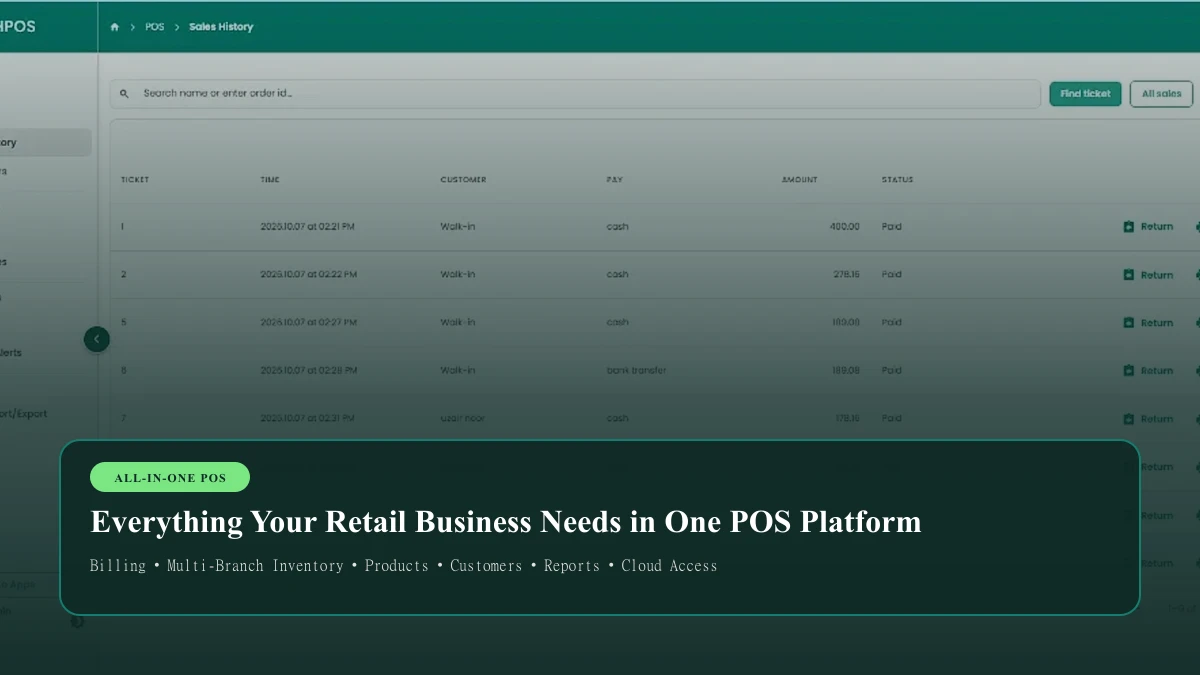
Fast POS Billing
- Search products quickly.
- Navigate product categories.
- Add multiple items to a sale.
- Hold and resume sales.
- Manage cash shifts.
- Generate receipts.
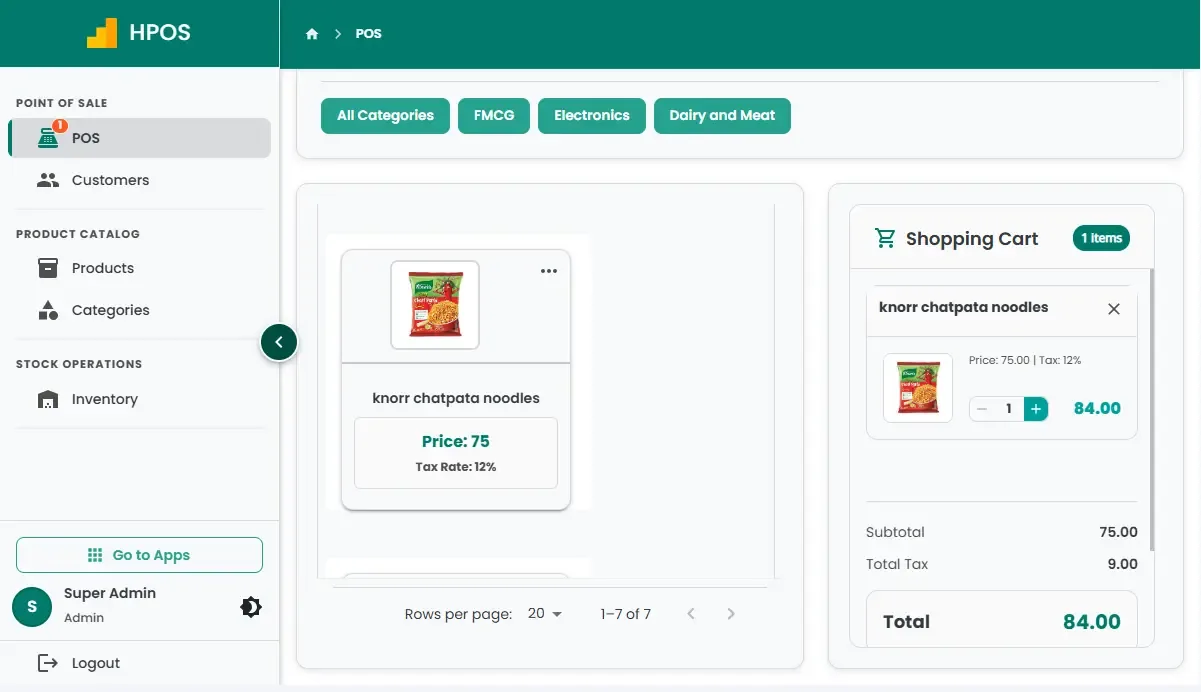
Inventory Management
- Manage product quantities.
- Organize product information.
- Track inventory valuation.
- Set supported low-stock thresholds.
- Review inventory records.
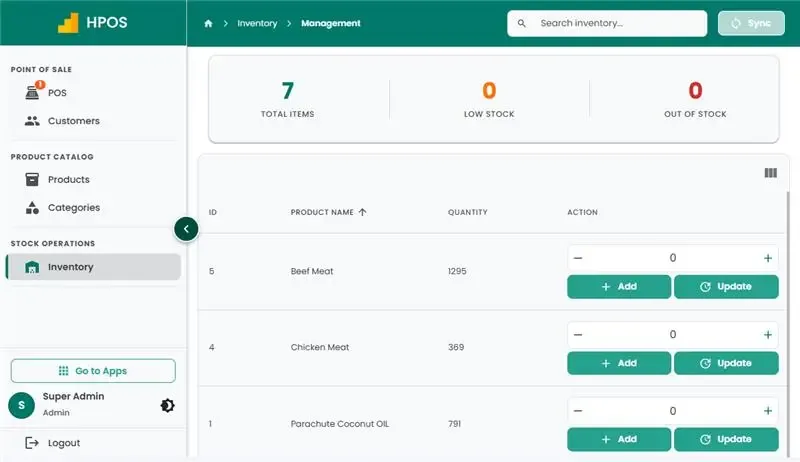
Product Management
- Organize products.
- Manage categories.
- Maintain selling prices.
- Manage barcodes.
- Import and export product information.
Sales History and Reports
- Review completed transactions.
- Check payment records.
- Review sales history.
- Process supported returns.
- Reprint receipts.
Customer Management
- Maintain customer records.
- Review customer information.
- Organize purchase history.
- Support customer relationship management.
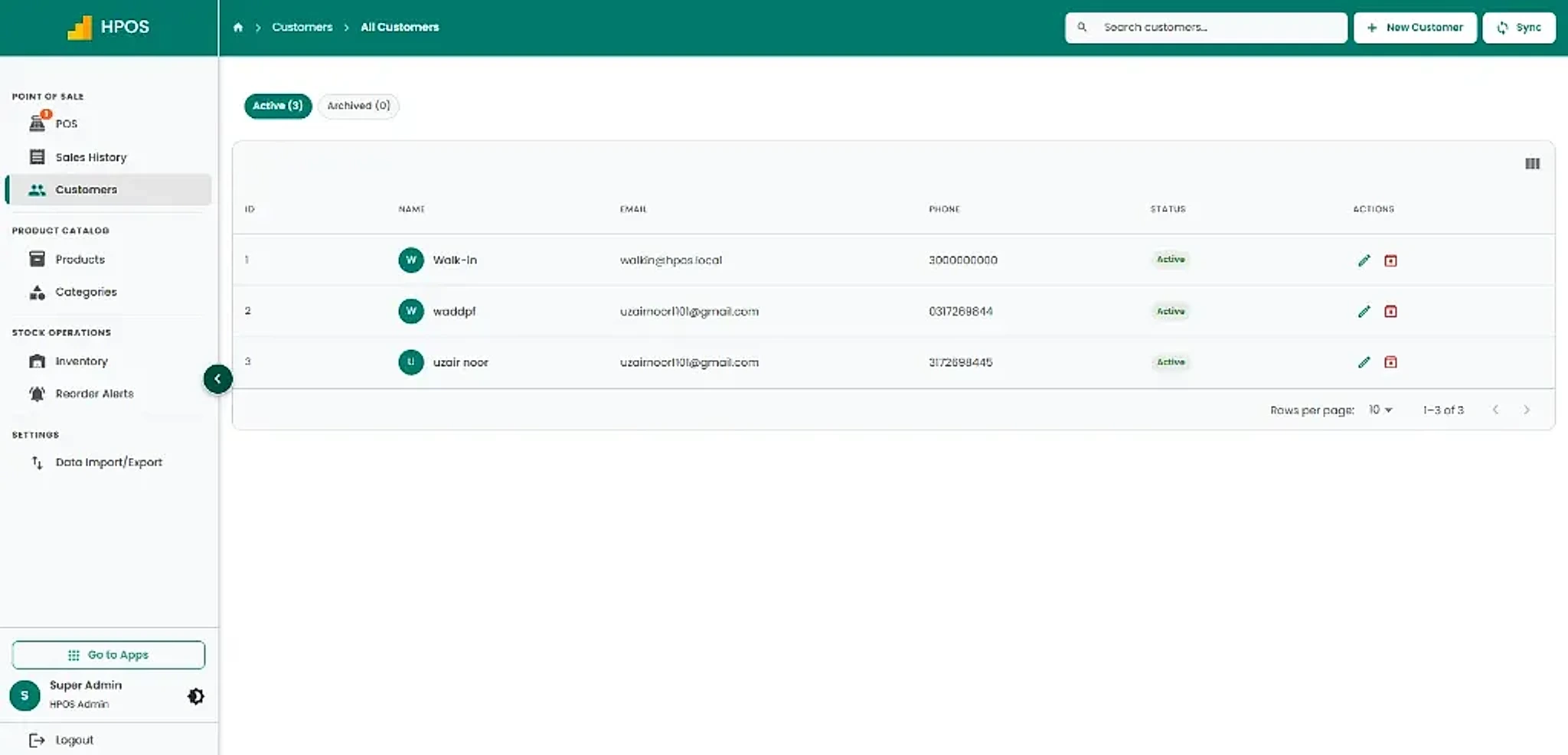
Cloud-Based Access
Access your POS through supported devices without maintaining separate local spreadsheets.
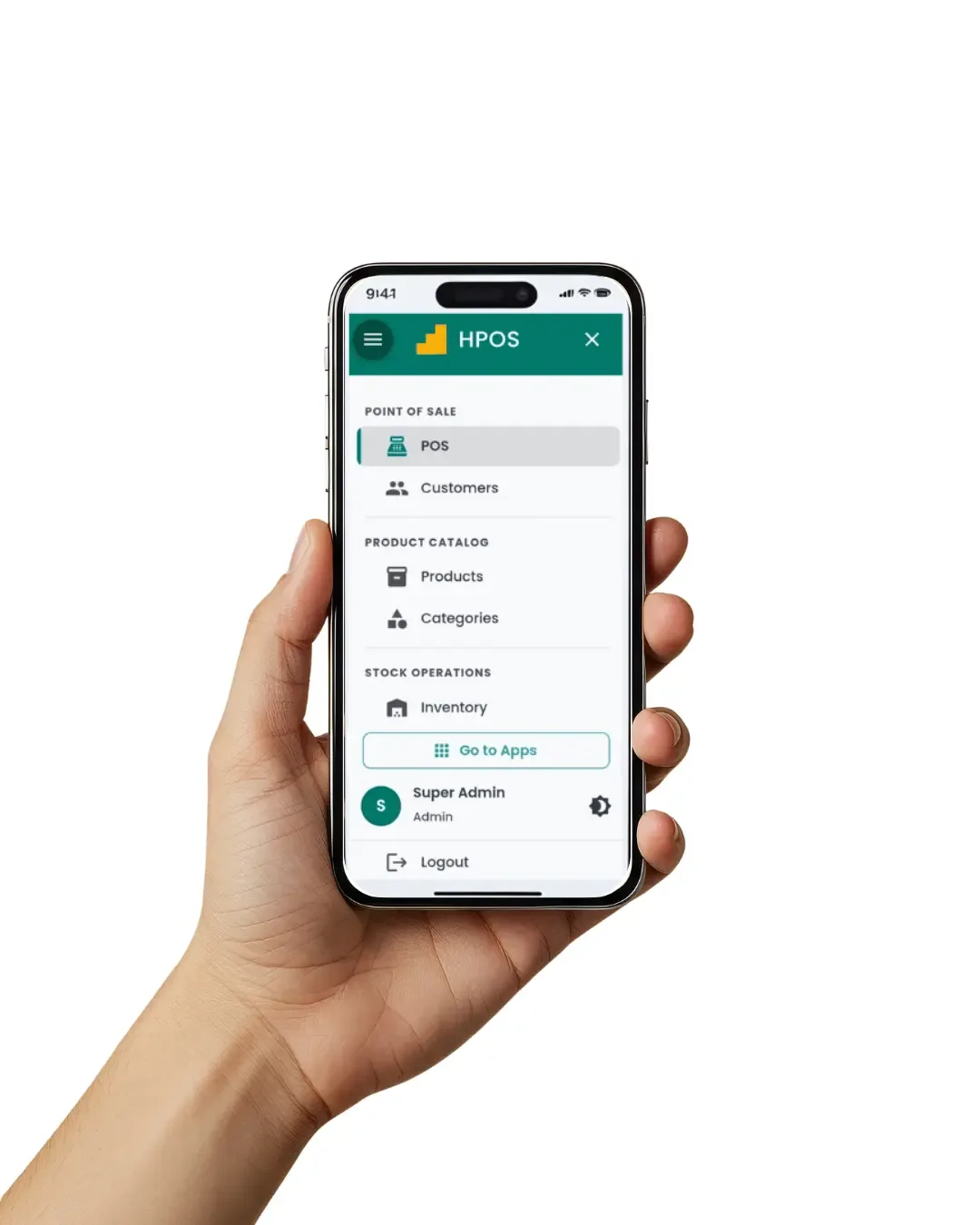
Explore all features: https://hulmsolutions.com/apps/
6. How Much Does HulmPOS Cost in Pakistan?
You don't need to spend a large amount on complicated retail software to start organizing your business.
HulmPOS starts at just PKR 2,500 per month.
HulmPOS Starter
For small retail shops and businesses getting started.
Included:
- ✓ 1 user
- ✓ 1 branch
- ✓ POS billing
- ✓ Inventory management
- ✓ Customer records
- ✓ Sales reports
- ✓ Native FBR integration for eligible Tier-1 businesses
Growing Your Retail Business?
HulmPOS also offers plans for businesses that need additional staff and branches.
| Plan | Branches | Monthly price |
|---|---|---|
| Starter | 1 | PKR 2,500 |
| Growth | 2 | PKR 5,500 |
| Business | 5 | PKR 11,000 |
| Enterprise | Unlimited | Contact sales |
Visit HulmPOS Pricing for current plan details.
Why start with HulmPOS?
- Affordable monthly subscription.
- 14-day free trial.
- Cloud-based access.
- No mandatory setup fee for standard plans.
- Use supported existing hardware.
- Upgrade as your business grows.
You can explore the system before committing to a paid subscription.
7. Who Should Use HulmPOS?
HulmPOS can support different types of retail businesses.
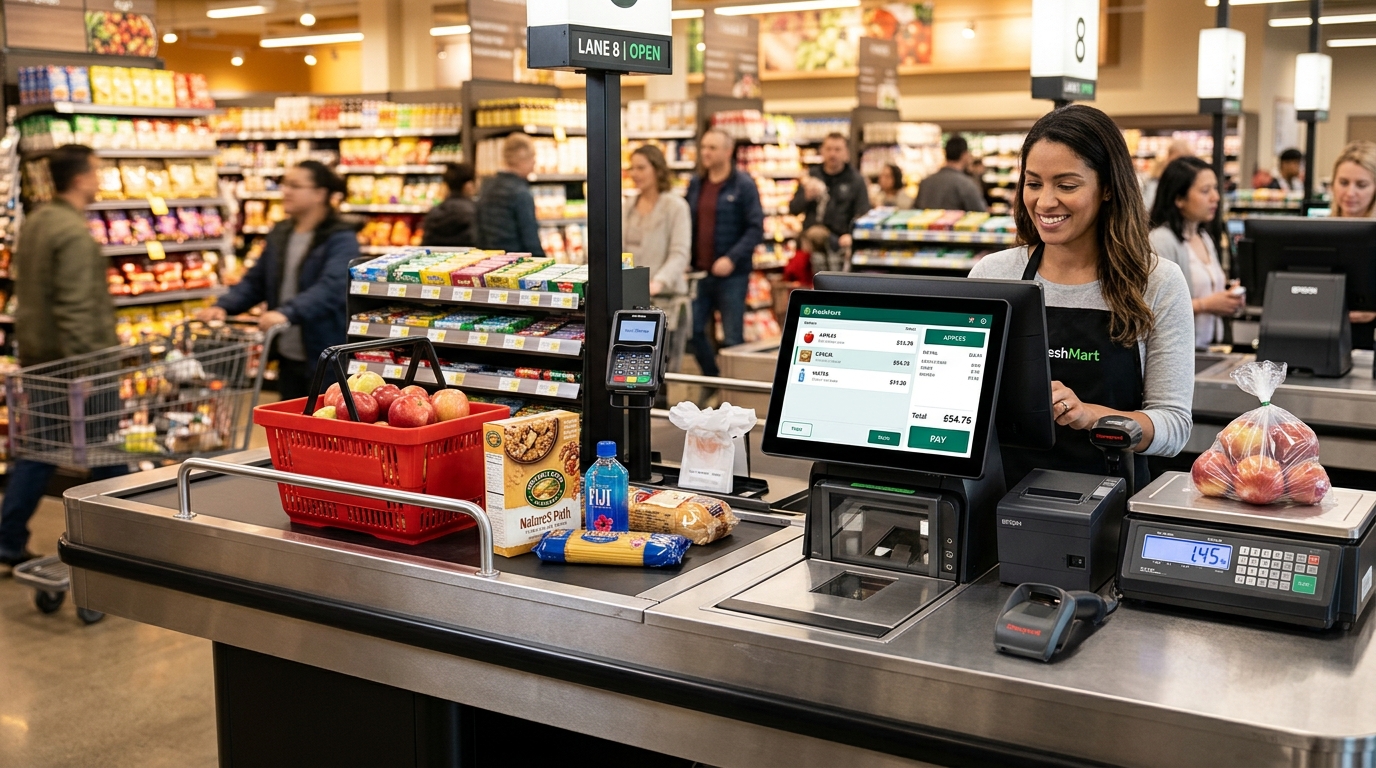
Grocery and Supermarkets
Manage product catalogues, checkout, stock, and daily sales.
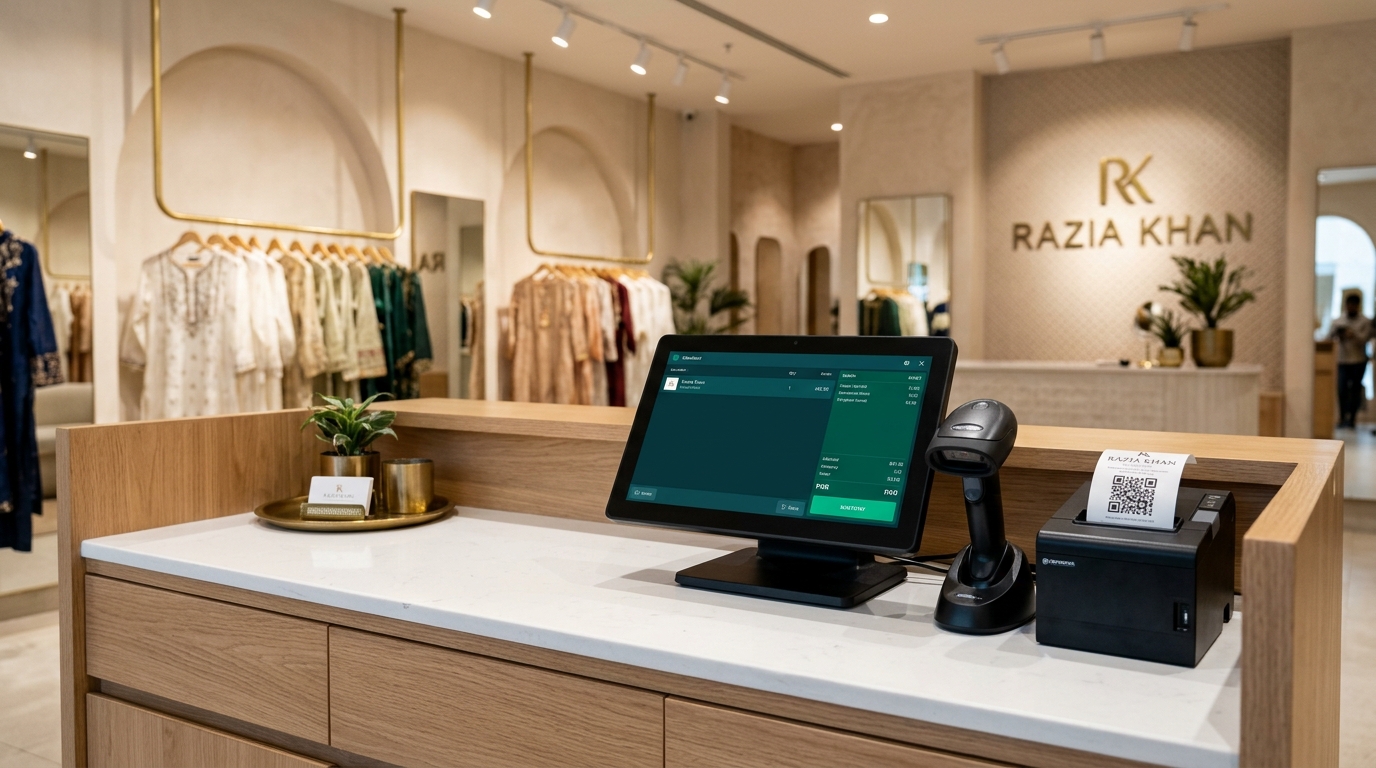
Clothing Stores
Organize products, categories, sizes, colours, and inventory.
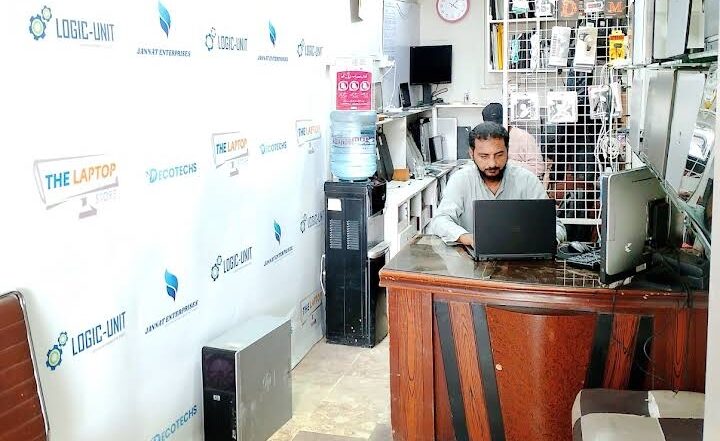
Electronics Stores
Maintain product information, sales records, and inventory.
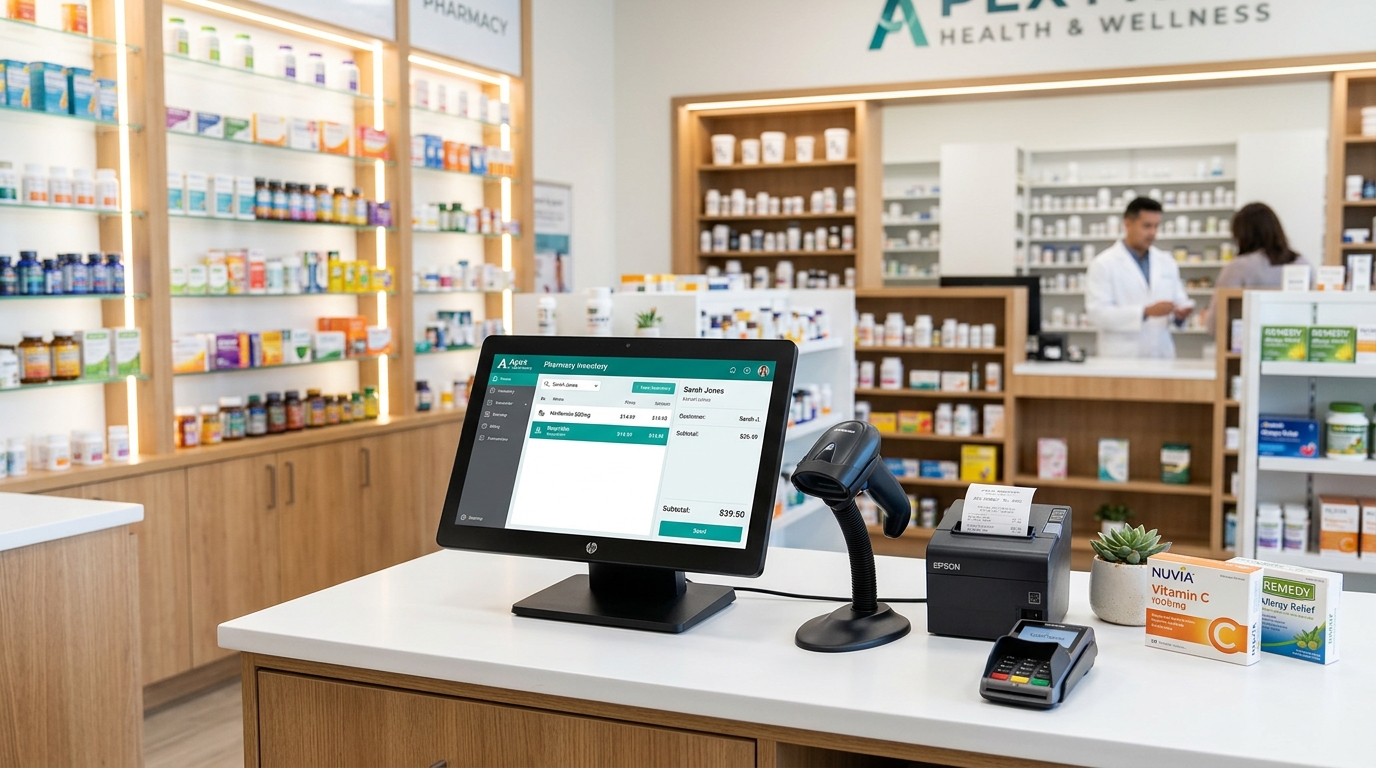
Pharmacies
Organize product records, billing, and inventory workflows.

Mini Markets
Simplify everyday billing and stock management.

General Retail Stores
Bring daily sales, customer records, and inventory into one platform.
Explore HulmPOS Retail Solutions.
8. Why Try HulmPOS Before Choosing Another POS System?
Choosing software is an important business decision.
Don't rely only on marketing claims. Test the system with your own products and daily operations.
During your 14-day free trial:
- Add your products.
- Explore the POS billing screen.
- Process a test transaction.
- Review inventory updates.
- Explore sales history.
- Test product import and export.
- Evaluate whether the system fits your daily workflow.
You can also contact the Hulm Solutions team if you need help getting started.
Try the actual product before purchasing a monthly subscription.
Ready to Manage Your Retail Business More Easily?
Stop depending on disconnected spreadsheets and manual sales records. Bring your retail operations into one connected platform with HulmPOS.
14-day free trial • Cloud-based POS • No mandatory setup fee
Start Your 14-Day Free Trial →No credit card required • Instant activation
Frequently Asked Questions
How can I manage multiple retail branches without Excel?
Use centralized retail management software to organize sales, products, inventory, and reporting. A connected system reduces the need to maintain separate operational spreadsheets and makes business information easier to review.
What is HulmPOS?
HulmPOS is a cloud-based point-of-sale and retail management system that helps businesses manage billing, inventory, products, customers, and sales reporting through one platform.
How much does HulmPOS cost per month?
HulmPOS starts at PKR 2,500 per month for the Starter plan, which includes one user and one branch. Higher plans are available for businesses requiring additional users and locations.
Does HulmPOS offer a free trial?
Yes. HulmPOS offers a 14-day free trial so businesses can explore its POS billing, inventory, and other supported features before subscribing.
Can HulmPOS manage multiple retail branches?
Yes. HulmPOS supports multi-branch retail management through plans designed for growing businesses. The supported branch capacity depends on the subscription plan.
Can I manage inventory and sales through HulmPOS?
Yes. HulmPOS connects POS billing, product management, inventory records, and sales history to help businesses organize their daily operations.
Do I need to purchase expensive POS hardware?
No. HulmPOS is cloud-based and works on supported computers, laptops, tablets, and smartphones. Compatible receipt printers, barcode scanners, and cash drawers can also be used.
Does HulmPOS support FBR integration?
HulmPOS offers native FBR integration for eligible Tier-1 businesses in Pakistan. Confirm your business's specific registration and compliance requirements with the team.
Can I import my existing Excel product data into HulmPOS?
HulmPOS supports product and inventory data import and export through supported formats. This helps businesses organize existing product records when moving from spreadsheets to POS software.
Is HulmPOS suitable for small retail shops in Pakistan?
Yes. The Starter plan begins at PKR 2,500 per month and includes POS billing, inventory management, customer records, and sales reports for one user and one branch.
Can I upgrade my HulmPOS subscription later?
Yes. You can choose a higher plan as your business needs more users, branches, or operational features. Check the current pricing page for plan details.
Why should I choose HulmPOS instead of separate spreadsheets?
HulmPOS connects sales, inventory, product management, and reporting workflows. Instead of manually maintaining several operational files, you can manage supported business activities through one cloud-based platform.
Final Thoughts: Simplify Retail Management With HulmPOS
Managing a growing retail business shouldn't mean spending hours collecting Excel files, checking inventory manually, and waiting for daily reports.
You need a system that helps you organize your operations, understand your sales, and manage your products more efficiently.
HulmPOS brings your essential retail management activities into one connected platform, starting at just PKR 2,500 per month.
Whether you're running a small retail shop or planning to expand your business, you can start with the plan that fits your current requirements and upgrade as you grow.
Don't just read about better retail management. Try it yourself.
Hulm Solutions — Making Retail Management Simpler.
About the Author
Hulm Editorial Team
The Hulm Editorial Team publishes practical guides and educational resources for retail operators in Pakistan. We specialize in POS software, inventory optimization, multi-branch scaling, and tax-compliant invoicing systems.
Published: November 2026Upgrade Your Business with Hulm POS
Designed for speed, simplicity, and multi-location scalability. Start ringing up sales in minutes.
Start Your Free Trial
 WhatsApp